How to Make a Dreamcore / Weirdcore Edit for Free
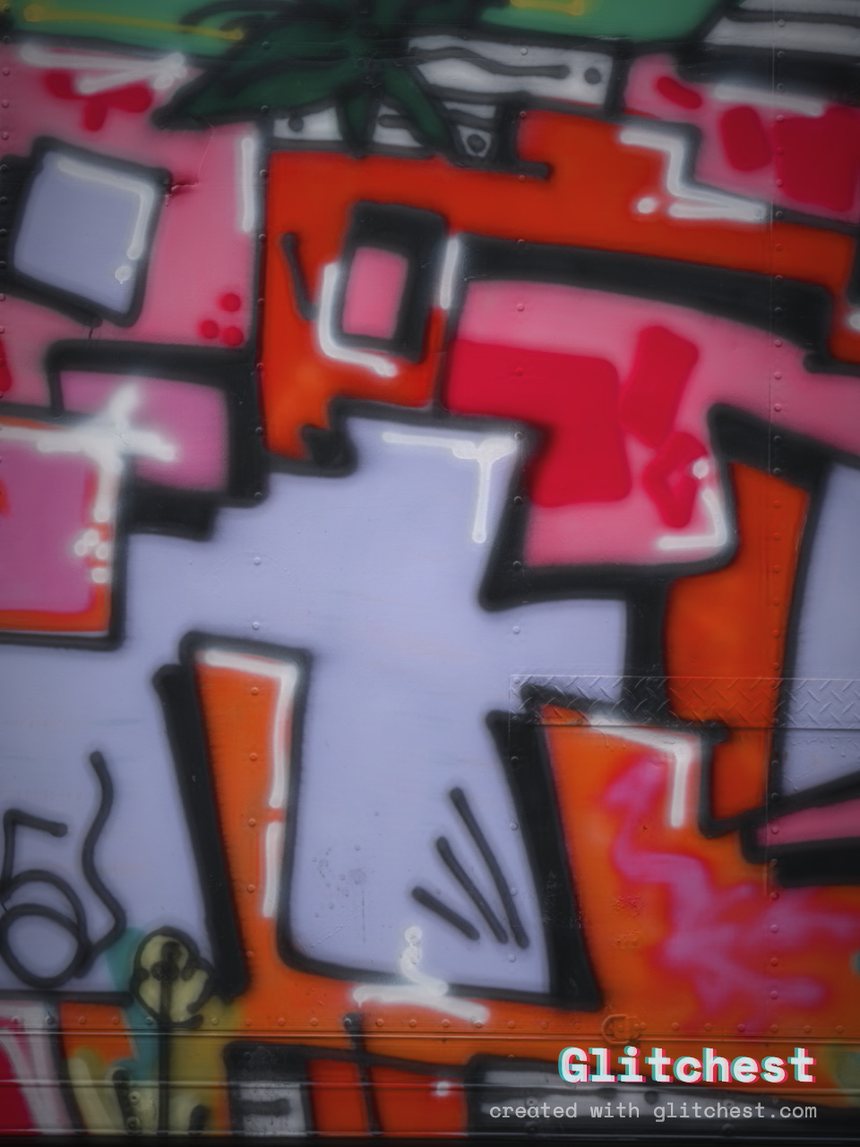
Dreamcore and weirdcore edits rely on surrealism, nostalgia, liminal space imagery, and deliberate visual degradation to evoke a sense of uncanny familiarity. Whether you are editing unsettling short clips for social media or crafting surreal digital art, achieving this aesthetic requires precise control over blur, color bleed, scanlines, and temporal distortion.
Understanding the Dreamcore and Weirdcore Aesthetic
While often grouped together, dreamcore and weirdcore have distinct visual signatures. Dreamcore leans heavily into soft focus, oversaturated dream logic, floating eyes, pastel skies, and gentle yet disorienting motion blur. Weirdcore, on the other hand, embraces low-resolution digital compression, harsh flash photography, mid-2000s internet artifacts, and psychological discomfort similar to analog horror video effects.
Both subcultures share core visual elements that you can easily recreate without expensive software:
- Liminal Backgrounds: Empty hallways, abandoned playgrounds, endless suburban streets, or overcast fields.
- Subtle Optical Distortion: Chromatic aberration, color fringing, and lens warping that make reality feel slightly wrong.
- Analog & Early Digital Noise: Scanlines, tape dropouts, and pixelation that feel like forgotten media recovered from a worn cassette or an old hard drive.
- Selective Masking: Glitching specific portions of an image—such as a doorway or sky—while keeping the rest intact.
How to Make a Dreamcore / Weirdcore Edit Step-by-Step
You do not need heavy desktop software or complex node trees to create dreamcore and weirdcore visual edits. Using the editor on Glitchest, you can transform photos or video clips directly inside your web browser without uploading files to a server.
- Import Your Media: Choose a photograph or video clip featuring a liminal space, vintage snapshot, or simple landscape. Drag and drop your file into the browser window. Because processing happens locally through your browser, your files stay private and load instantly.
- Select a Base Preset: Navigate to the preset library. For a dreamcore look, choose Y2K or VHS for warm color shifts and soft scanning. For a harsher weirdcore vibe, select Signal Jam, Dead Channel, or Broken Monitor to introduce raw static and line displacement.
- Age the Footage with Time Machine: Adjust the Time Machine film-look dial. Dialing this control back introduces subtle color bleaching, warmth, and grain that immediately strips away modern smartphone sharpness, giving your edit an authentic aged quality.
- Apply Targeted Distortion with Masking: Dreamcore edits frequently isolate uncanny elements. Select the rectangle or ellipse masking tool and place it over a focal point, like a window or sky. Adjust the parameters inside the mask to create a localized zone of high glitch intensity while leaving the surrounding area calm.
- Layer Dynamic Shifts: If editing a video, add effect boxes to the timeline. Place boxes to control glitch intensity over time. Use a box with a slow fade-in to gradually ramp up signal corruption during quiet moments and build subtle atmospheric dread.
- Export Your Final Creation: Once satisfied, export your edit. Save still images as high-resolution PNGs via Save Frame, or render your video directly as an MP4 using browser-native WebCodecs rendering.
Fine-Tuning the Surreal Visual Style
To make your edits stand out, pay attention to color balance and edge separation. Pushing red and cyan channels apart creates a classic dreamlike haze. If you want to dive deeper into color displacement techniques, explore our guide on chromatic aberration effects to learn how color splitting impacts viewer perception.
Dreamcore Recipe Settings
- Preset: Y2K or VHS
- Time Machine Dial: 35%–50% warmth and bloom
- Chromatic Aberration: Low to medium offset
- Masking: Large soft ellipse around the center subject
Weirdcore Recipe Settings
- Preset: Signal Jam or Broken Monitor
- Time Machine Dial: High contrast, elevated grain
- Masking: Sharp rectangle or inverted mask around doors or text
- Effect Boxes: Short spiked-intensity bursts
Try it now — add this look to your own clip, free and in your browser.
Open the editor →FAQ
What is the difference between dreamcore and weirdcore?
Dreamcore focuses on nostalgic, ethereal, and dreamlike visuals using soft blur, warm tones, and surreal imagery. Weirdcore leans into low-resolution digital artifacts, harsh lighting, eerie compression, and psychological discomfort.
Can I make dreamcore and weirdcore edits on my phone?
Yes, Glitchest runs directly in any modern mobile or desktop web browser without requiring app downloads or software installation.
How do I save my dreamcore edit?
Export renders an MP4 via WebCodecs and Save Frame gives a full-resolution PNG — free, with no watermark on video renders.