How to Make an Analog Horror Clip Online (Free)
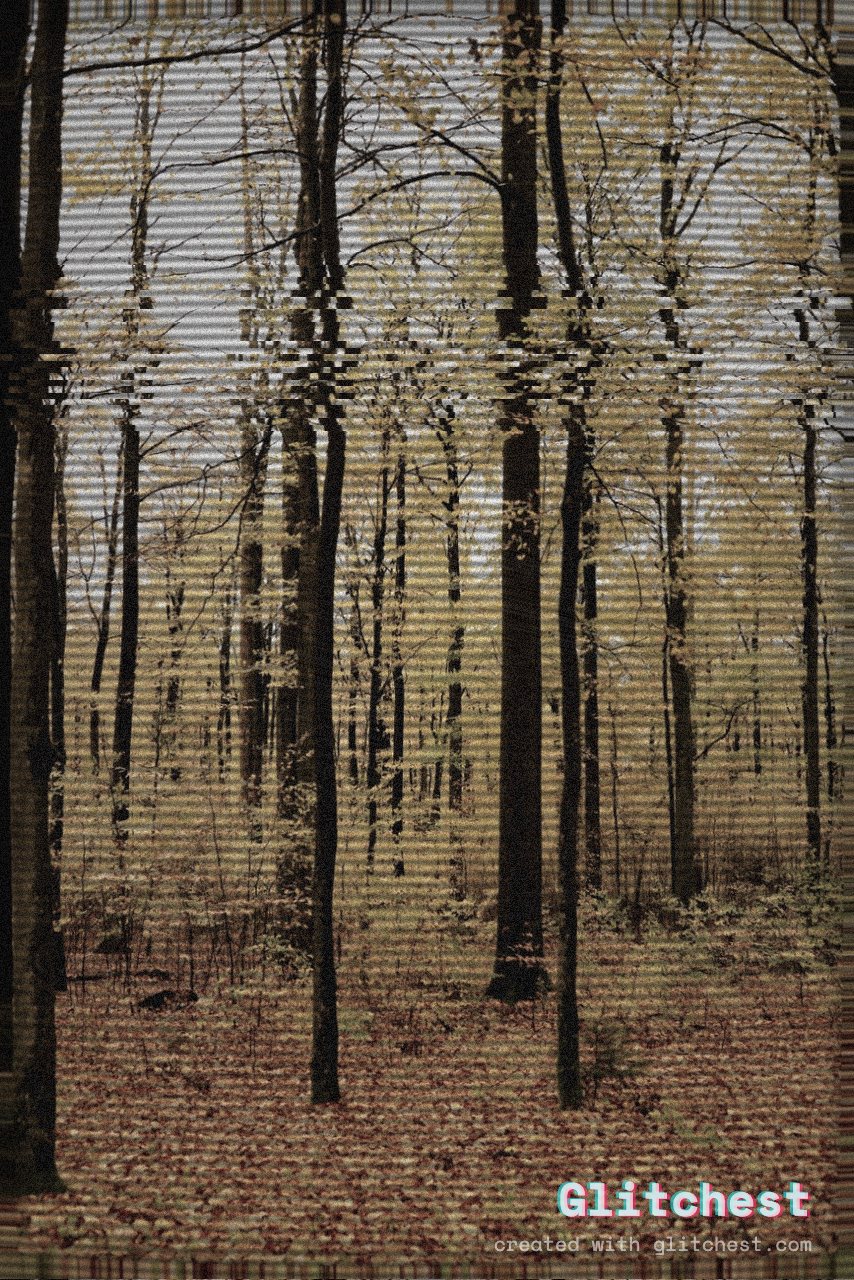
Analog horror has dominated indie filmmaking on YouTube, captivating millions of viewers through web series like Local58, The Mandela Catalogue, and Gemini Home Entertainment. These videos rely on eerie public service announcements, corrupted VHS tapes, and retro broadcast graphics to create psychological dread. Building an authentic analog horror clip does not require expensive legacy equipment or complicated software. You can achieve convincing vintage distortion directly in your web browser.
The Core Elements of the Analog Horror Aesthetic
To capture the signature unsettling vibe of popular YouTube series, you must understand the visual tropes that trigger nostalgia and unease. Analog horror feeds on the uncanny valley—taking familiar media formats from the late 20th century and corrupting them just enough to disturb the viewer. Whether you are producing a fictional emergency alert or a lost training manual, several key elements define the genre:
- Degraded VHS Artifacts: Tracking errors, color bleeding, scanlines, and tape jitter that suggest an old cassette found in an abandoned attic.
- Low-Fidelity Broadcast Graphics: Retro typography, Emergency Alert System (EAS) banners, and instructional slides that mimic 1980s or 1990s television broadcasts.
- Sudden Signal Corruptions: Unpredictable spikes in visual noise, pixel sorting, or frame tearing that interrupt calm moments to startle the audience.
- Anomalous Distortion: Masking specific regions—such as eyes, faces, or horizon lines—to hide uncanny entities or obscure sensitive information.
Step-by-Step: How to Make an Analog Horror Clip
Follow these practical steps to convert clean digital footage or static graphic slides into a terrifying retro broadcast using the Glitchest editor.
- Prepare Your Base Content: Design simple text cards, public service slides, or retro promotional graphics using bold serif or sans-serif fonts on dark backgrounds. Alternatively, record simple home-video-style footage with deliberate, stationary framing.
- Upload to the In-Browser Editor: Drag and drop your video clip or image into Glitchest. Because frame processing happens locally inside your browser via WebCodecs, your files remain private without requiring account sign-ups or server uploads.
- Apply a Retro Base Preset: Select a preset like Signal Jam, Dead Channel, or VHS to establish immediate broadcast texture. If your scene requires severe file corruption, consult our analog horror video effects breakdown to see how different degradation styles alter atmospheric tension.
- Dial in the Time Machine Look: Use the Time Machine dial to age the footage precisely. Increase magnetic tape noise, adjust phosphor glow, and dial up horizontal static jitter until the media looks like an ill-fated broadcast recording.
- Set Up Dynamic Glitch Spikes: Add effect boxes on the timeline below the preview to control where your glitches hit. Keep the effect subtle during narrative dialogue, then drop a short box with little or no fade at each key reveal so the glitch snaps on hard for a jarring visual burst.
- Export Your Master Clip: Click export to generate a clean, full-quality MP4 render, or capture instant PNG stills for thumbnails using the Save Frame tool.
Using Masking for Creepy Entity Effects
One of the most effective techniques in analog horror is selective distortion—making only part of the frame look wrong while the rest remains stable. Glitchest includes built-in rectangle and ellipse masking tools to help you isolate spatial anomalies without complex compositing software.
Place an ellipse mask over a character's face in your footage, then apply a strong preset like Broken Monitor, Cyber Glitch, or Datamosh restricted exclusively to that masked region. The surrounding environment will retain standard tape noise, while the subject's face smears into an unrecognizable, uncanny smudge. This targeted distortion replicates the iconic "doppelganger" or "alternate" visual tropes popularized in viral YouTube series.
Pacing, Audio, and Atmospheric Finishing Touches
Visual distortion is only half the battle in analog horror. The contrast between mundane instructions and sudden visual disruption creates lingering psychological tension. Once your video file is rendered from Glitchest, pair your visuals with period-accurate audio cues:
- Layer low-frequency electrical hums, tape hiss, and room tone beneath your main audio track.
- Use synthetic, robotic text-to-speech voices pitched down slightly for instructional narrators.
- Insert sudden silence right before a major visual glitch spike to maximize jump-scare impact.
- Accompany scanline flickering with subtle static pops or audio crackles.
By combining crisp retro typography with controlled glitch automation and targeted spatial masking, you can build atmospheric analog horror clips that feel genuinely lost to time.
Try it now — add this look to your own clip, free and in your browser.
Open the editor →FAQ
What resolution and aspect ratio work best for analog horror videos?
A 4:3 aspect ratio at 480p or 720p resolution works best because it mimics standard-definition CRT televisions and vintage VHS tapes. You can import high-definition video into Glitchest and adjust retro effects directly in browser.
Do I need complex software to make analog horror clips?
No, you do not need heavy desktop editing software to produce authentic analog horror visuals. Glitchest lets you apply real-time VHS glitches, static noise, and mask distortion in your browser for free.
How do I create effective jump scares in analog horror clips?
You can build jarring jump scares by dropping short effect boxes on Glitchest's timeline right when an anomaly appears. Keep a light, constant effect running as texture, then drop a short box with little or no fade at the reveal so the glitch snaps on and off as a hard event.