How to Get the Y2K Aesthetic on Your Videos (Free)
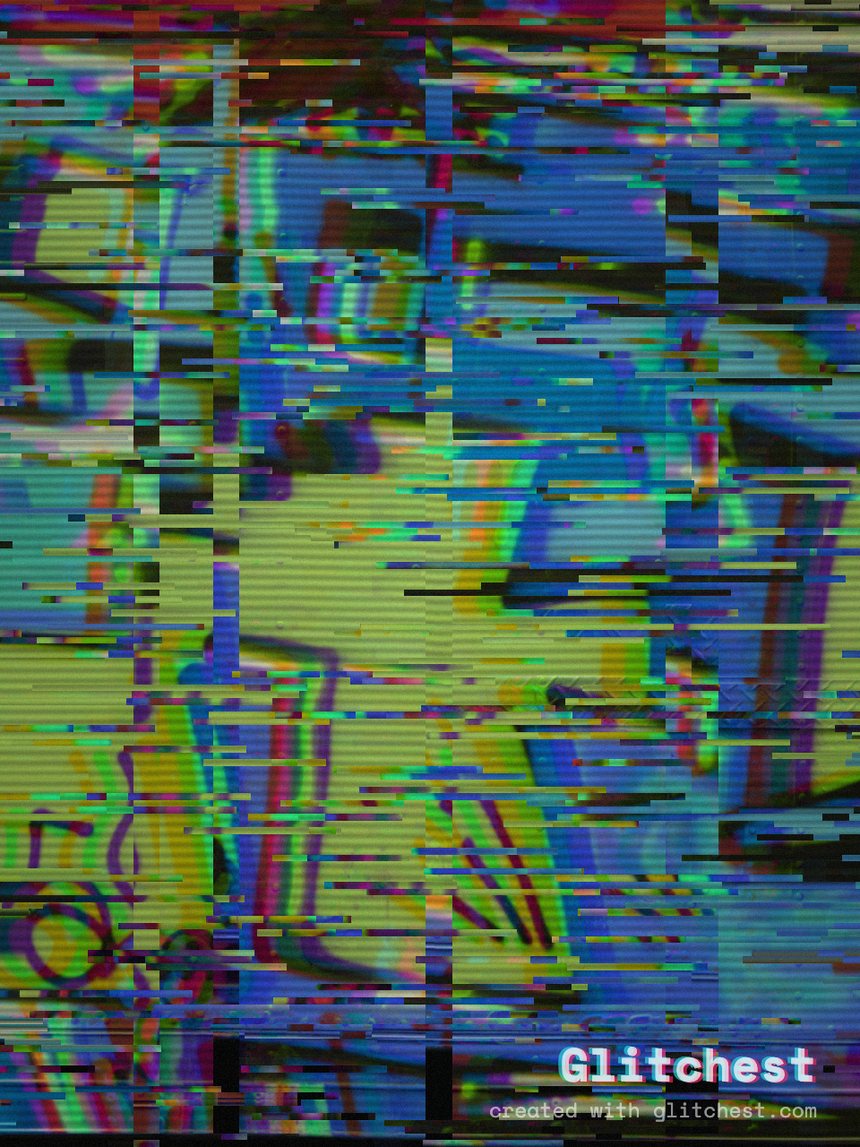
The Y2K aesthetic is having a long moment — that early-2000s camcorder-and-tape look where the color runs a little hot, the edges smear, and a blinking date stamp sits in the corner. You don't need vintage gear or paid software to get it. Here's how to turn any clip into a Y2K-flavored video in Glitchest, free and entirely in your browser.
What the Y2K look actually is
Before you start pushing sliders, it helps to know what your eye is reading as "Y2K." It's a specific stack of imperfections from consumer video of the late 1990s and early 2000s:
- Chunky compression. Low bitrates from MiniDV tapes and early digital cameras left blocky artifacts, especially in shadows and fast motion.
- Tape wobble and noise. Analog capture added horizontal jitter, faint tracking lines, and a soft layer of grain.
- Saturated, slightly-off color. Skin tones skew warm, blues push hard, and white balance drifts — nothing looks clinically correct.
- Date-stamp energy. That glowing timecode overlay in the corner is shorthand for "shot on a camcorder."
You're not aiming for a clean image. You're aiming for a slightly broken one that feels like it was recorded, dubbed, and rewound a few times.
Step-by-step in Glitchest
Glitchest runs in the browser with no upload and no account, so your footage never leaves your machine. Here's the workflow.
1. Open the editor and load your clip
Head to the editor and drop in your video. Short clips work best for this look — a few seconds of movement gives the effects something to chew on. Nothing uploads to a server; everything processes locally.
2. Start from the Y2K or VHS preset
Rather than building the look from zero, pick the Y2K or VHS preset as a base. These stack the core ingredients — compression crunch, tape noise, and a color shift — in roughly the right proportions. Think of the preset as your starting point, not the finished result.
3. Tune the wobble and noise
Now make it yours. Dial the wobble up until horizontal lines start to shiver, then back off until it reads as "old tape" rather than "broken file." Add just enough noise to soften the image — a light grain sells the era without burying detail. If your clip has a lot of fast motion, a little goes a long way.
4. Push the color
Y2K color is warm and a bit oversaturated. Nudge saturation up, let the white balance drift slightly warm, and don't worry about accuracy. If Glitchest's controls let you offset the color channels, a subtle shift adds that smeared, dubbed-tape feel along high-contrast edges.
5. Add a date-stamp touch (optional)
If you want the full camcorder effect, a corner date stamp is the fastest visual cue. Even without one, the crunch and wobble carry the look — but the stamp is the detail people instantly recognize.
6. Export your MP4
When it looks right, export. Glitchest renders an MP4 using WebCodecs. You can also grab a single frame with Save Frame PNG if you want a still for a thumbnail or post.
Small touches that make it convincing
- Keep it subtle. The most believable Y2K clips are lightly degraded, not destroyed. If someone can't tell what they're looking at, you've gone too far.
- Use effect boxes with fades. A box that fades an effect in and out over the clip feels more like real tape than a flat, constant setting.
- Try the Time Machine dial. If you want a more film-leaning vintage tone alongside the tape crunch, the Time Machine film-look dial gives you another era to blend in.
Pair it with lo-fi audio
Visuals are only half the vibe. A little lo-fi audio — a tape-hiss bed, a slightly detuned loop, or muffled low-fidelity music — locks in the era. Even trimming your clip's audio to sound thinner and warmer helps the picture read as older. The ear and the eye reinforce each other.
Where to go next
The Y2K look leans heavily on tape aesthetics, so if you want to go deeper on the analog side, it's worth learning the underlying VHS tools directly. Start with our guide to add a VHS effect to a video, and if you just want the tape filter on its own, see the free VHS filter online. Both build on the same free, in-browser workflow — no upload — that makes the Y2K version quick to dial in.
Try it now — add this look to your own clip, free and in your browser.
Open the editor →FAQ
What makes a video look Y2K?
Low-bitrate crunch, tape wobble, date-stamp overlays and saturated, slightly-off color.
Is the Y2K effect free to export?
Yes — the Y2K look exports free in full quality, with no account and no paywall on the render.
Where do I start?
The VHS and Y2K presets in Glitchest, then fine-tune.