The Best Way to Add a Glitch Effect Online in 2026
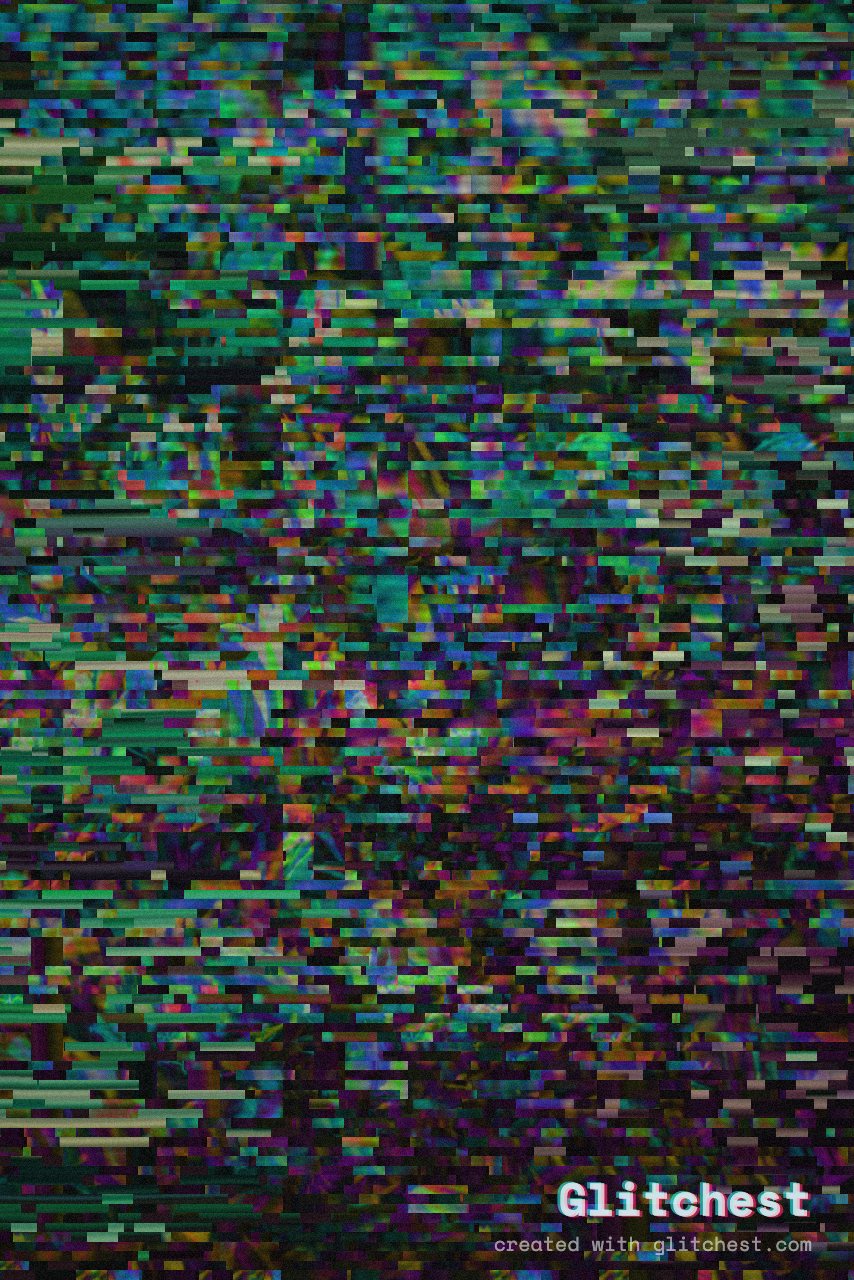
You want that broken-signal, RGB-split, scanline look — and you don't want to install a 2GB editor or sign up for a subscription. Here's the fastest, safest way to add a glitch effect online in 2026.
What to look for in an online glitch tool
Not all "free" online editors are equal. The ones worth your time check these boxes:
- No upload. Your footage should be processed locally, not sent to someone's server.
- A free tool that stamps its logo on your export isn't really free.
- No account. You shouldn't need to hand over an email to glitch a 5-second clip.
- Real export. MP4 out, with audio, at full resolution — not a locked 720p preview.
- Control. Presets to start fast, plus knobs, masks and timing to make it yours.
Add a glitch effect in under a minute
- Open the editor. Go to the Glitchest editor — no download.
- Load your media. Drop in a video or image; it stays on your device.
- Pick a glitch preset. Try Cyber Glitch, Broken Monitor or Signal Jam for instant looks.
- Twist the knobs. Adjust RGB split, block size, scanlines and noise until it's right.
- Export. Save an MP4 with audio, or a PNG still with Save Frame.
The glitch looks worth knowing
Chromatic aberration (RGB split)
Splitting the red, green and blue channels gives that bleeding cyan/magenta edge. It's the single most recognizable "glitch" cue — a little goes a long way.
Scanlines & CRT glow
Thin dark lines plus a soft glow make footage look like it's playing on an old monitor. Great under text and titles.
Pixel sorting
Smearing pixels along a brightness threshold produces those signature dripping color streaks — abstract, painterly, unmistakably digital.
Datamosh
For the melting-frame transition look, see what datamosh is and how to fake it safely.
Make it stop the scroll
For Reels and TikToks, timing beats intensity. Drop a short effect box on the opening frame to slam a hard glitch, then leave the rest clear so it eases off. Mask the effect to your subject so the important part stays readable while everything around it falls apart.
Bottom line
The best way to add a glitch effect online in 2026 is a tool that respects your files and your time: local processing, real export. Open the editor and try it on your own clip — it's free.
Try it now — add this look to your own clip, free and in your browser.
Open the editor →FAQ
How do I add a glitch effect online for free?
Open the Glitchest editor, load a video or image, pick a glitch preset, adjust the knobs, and export an MP4 or PNG — free, in your browser, no upload.
Will there be a watermark on my glitch video?
There's no watermark and no paywall — the rest of your video is untouched.
Is my video safe if I edit it online?
Yes. Glitchest processes everything locally in your browser, so your files never leave your device.