How to Make Glitch Album Cover Art in a Minute (Free)
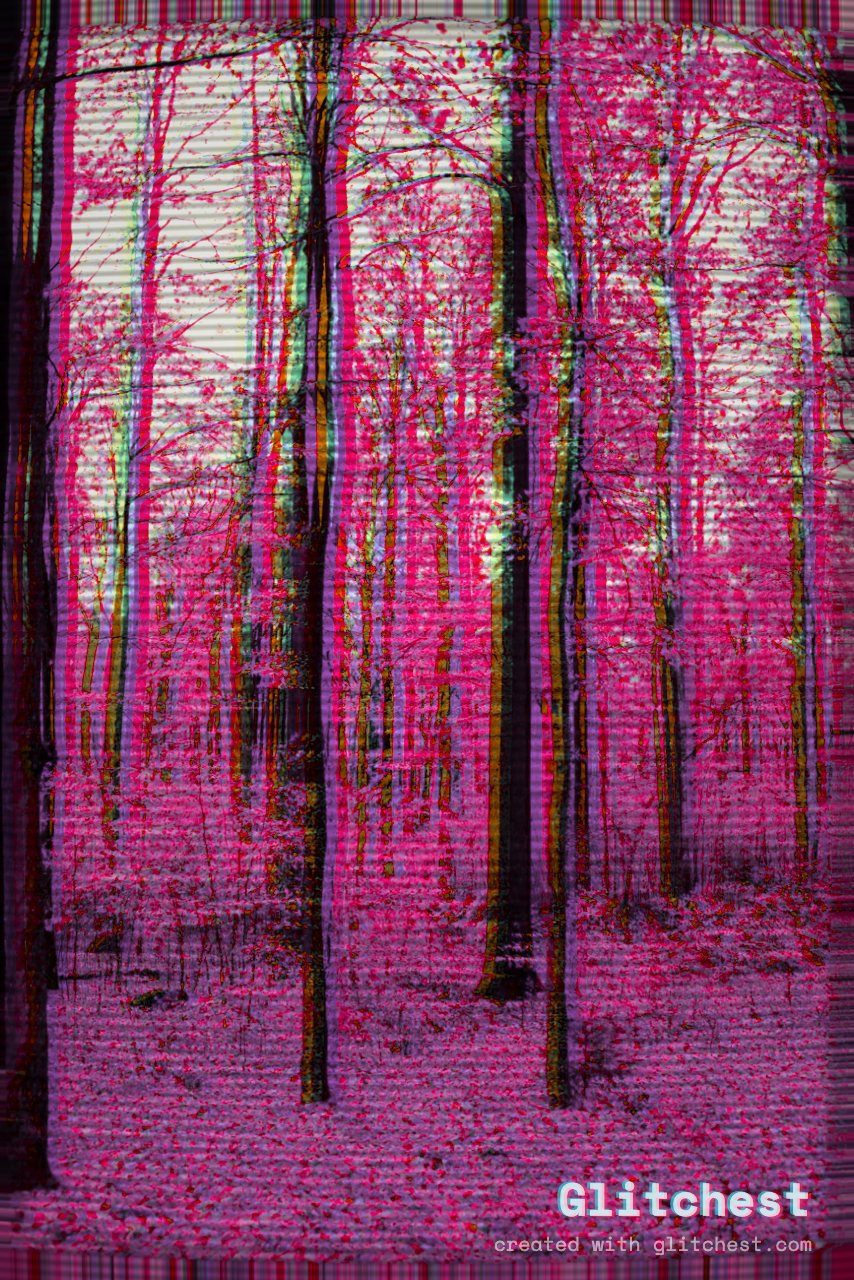
The track is done, the release date is set, and you still need cover art. You do not need a designer or a subscription for this. Glitchest runs in your browser, so you can drop in a photo, add a glitch that fits the mood of the record, and export a print-ready PNG in about a minute. Free, no upload, no account.
Pick a source photo that can take a beating
Glitch effects add chaos, so start with an image that has room for it. The strongest sources share a few traits:
- One clear subject. A face, a figure, a single object. Busy photos turn to mud once you stack effects on top.
- Good contrast. Deep shadows and bright highlights survive heavy processing. Flat, grey images wash out.
- A square-friendly crop. Cover art lands on a square canvas across every platform, so frame with the center in mind.
Portraits, neon-lit street shots, and simple studio setups all glitch well. If you are unsure whether a photo will hold up, the fastest test is to just load it and try a preset — the whole point of an in-browser tool is that experimenting costs nothing.
Choose glitch effects that read at small sizes
Your art will most often be seen as a thumbnail the size of a fingernail. That changes which effects work. Delicate, fine-grained noise disappears at that scale, while bold structural glitches still land. Reach for these first:
- RGB split. Offsetting the color channels gives that instantly recognizable chromatic edge. It stays legible even when the image is tiny.
- VHS. Scanlines and tracking warp read as analog and nostalgic — a good fit for lo-fi, synth, and bedroom-pop covers.
- Pixel sort. Dragging pixels into streaks creates motion and glitch texture that holds its shape when scaled down.
- High contrast. Push contrast so the subject separates hard from the background. Contrast is what keeps a thumbnail from turning to sludge.
Less is usually more
Two well-chosen effects beat five fighting each other. Pick a primary glitch, add contrast to support it, and stop. If you cannot tell what the image is at thumbnail size, you have gone too far.
The one-minute how-to
Here is the full workflow from blank tab to finished file:
- Open the editor. It loads straight in the browser — nothing to install.
- Load Image. Bring in your source photo. It stays on your device; there is no upload step.
- Apply a preset, then tune. Start from a preset like RGB split or VHS to get in the ballbark, then adjust the strength until the glitch has weight without erasing the subject.
- Mask to keep the subject readable. Use masking to pull the heaviest glitch off the face or focal point. This is the single trick that separates cover art from noise — the eye needs one clean anchor.
- Save Frame as PNG. Export the still. You get a clean PNG with ready to upload to your distributor.
That is it. If you want to push it further, effect boxes on the timeline and the Time Machine dial let you animate the glitch, but for a static cover the Save Frame PNG is all you need.
The thumbnail legibility check
Before you call it done, shrink the image in your mind — or literally zoom your browser out — to roughly the size it will appear in a streaming app. Ask two questions: can you still tell what the subject is, and does the glitch still read as intentional? If the answer to either is no, dial the effect back or strengthen the mask around your focal point. A cover that looks incredible at full resolution but reads as a grey smear in a playlist row is not doing its job.
Reuse the same file everywhere
Once your PNG is exported, it works as single art, playlist covers, and social posts without redoing anything. If you want to go deeper on the underlying technique, our guide on how to glitch a photo walks through the individual controls, and glitch effect online covers the broader in-browser workflow. Everything stays free, in your browser, with no upload — so you can iterate on the look until the cover matches the sound.
Try it now — add this look to your own clip, free and in your browser.
Open the editor →FAQ
Can I make cover art fast?
Yes — glitch a still and use Save Frame to export a PNG in about a minute.
Is it free to make glitch cover art this way?
Yes — designing and exporting the cover is free in your browser, with no account needed and no paywall on the full-resolution PNG.
What format do I get?
A PNG still you can use as cover art for singles and playlists.