Acid Dream: Psychedelic Glitch & Datamosh Recipe
The Acid Dream look transforms ordinary footage into a fluid, melting visual landscape where colors refuse to sit still. It delivers a hyper-vivid, psychedelic aesthetic designed to hypnotize viewers with endless motion and liquid distortion.
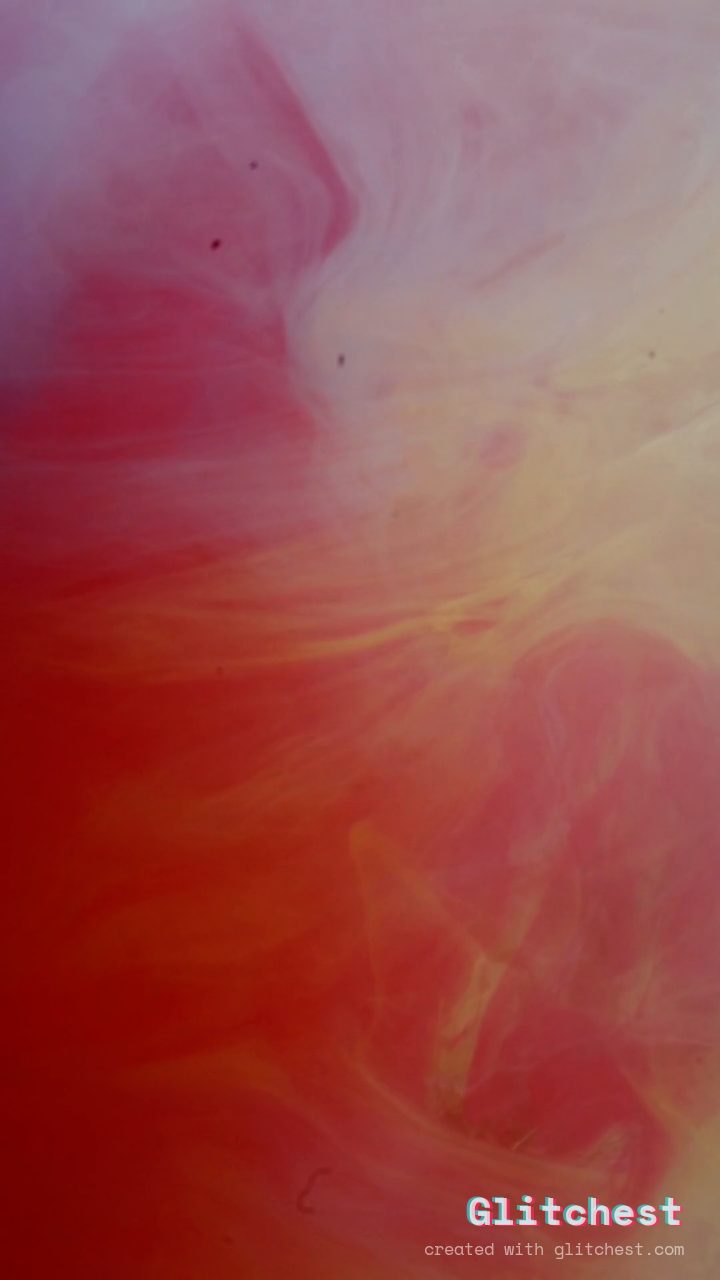 BEFORE
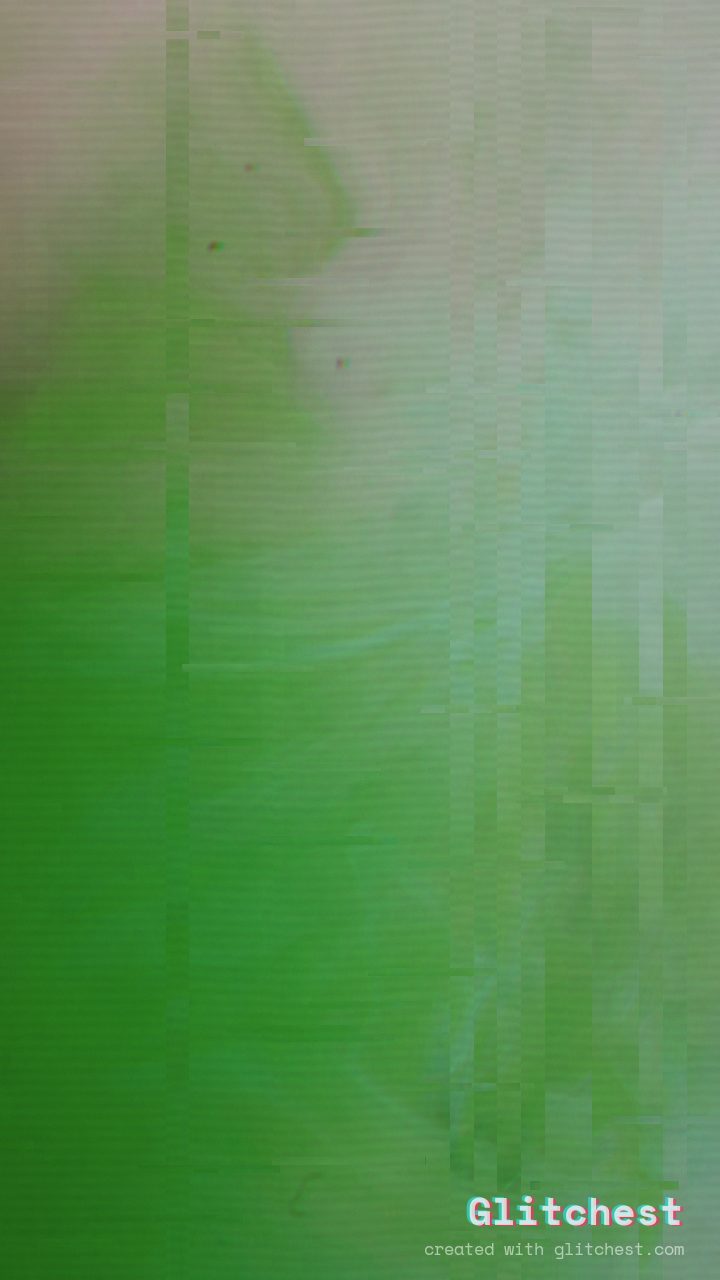 AFTER
AFTERWhy this look works
Why These Controls Create the Psychedelic Melt
The core energy of this look stems from aggressive color manipulation paired with continuous directional wave motion. Extreme hue rotation combined with enhanced color saturation forces the color spectrum into constant evolution, preventing any single palette from remaining static across your frame.
Datamosh motion trails bind the chaotic elements together. As structural glitches fragment the image, the datamoshing smears those fragments into persistent, liquid-like trails rather than allowing them to snap back immediately. Subtle scanlines and fine noise add a tactile electronic texture that keeps the heavy visual distortion feeling grounded in an analog signal context.
The recipe
Start from the Acid preset, then set:
| Strength (master) | 44 |
| Glitch Rate | 22 |
| Glitch Width | 34 |
| Block Size | 30 |
| Chaos | 28 |
| Datamosh (trail) | 46 |
| Horizontal Wave | 66 |
| Vertical Wave | 52 |
| Vertical Shift | 25 |
| Vertical Shake | 8 |
| RGB Split | 56 |
| Hue Shift | 100 |
| Color Boost | 58 |
| Noise | 12 |
| Scanlines | 22 |
| Flicker | 10 |
Everything else stays at its default. Open the editor →
When to use it
This melting aesthetic excels when paired with atmospheric audio, rhythmic beats, or surreal visual themes:
- Music Visualizers: Transform synthwave, electronic, or psychedelic rock tracks into hypnotic visual experiences.
- Festival Stage Visuals: Generate captivating backdrop loops that evolve smoothly behind live DJ sets.
- Psychedelic Scene Transitions: Liquefy distinct video edits together during dramatic narrative turns.
- Social Media Clips: Craft eye-catching promo teasers that fit right into 7 Glitch Effects That Make Instagram Reels Pop.
If the visual chaos obscures too much detail in your subject, head into the editor and dial down the master Strength slider or reduce the Datamosh trail depth to keep underlying shapes recognizable.
Try it now — add this look to your own clip, free and in your browser.
Open the editor →FAQ
Can I apply the Acid Dream look to static photos?
Yes, applying this recipe to still images generates fluid movement through wave distortions and color shifts, producing a dynamic animated export.
How do I adjust the intensity of the melting motion?
To alter the fluid speed, adjust the wave parameters and master strength controls to fit the cadence of your clip.
What type of source footage works best with this recipe?
High-contrast clips with bold shapes and distinct subject boundaries yield the most striking motion trails and color bleeding.