How to Create a Hacked Screen Terminal Takeover Effect
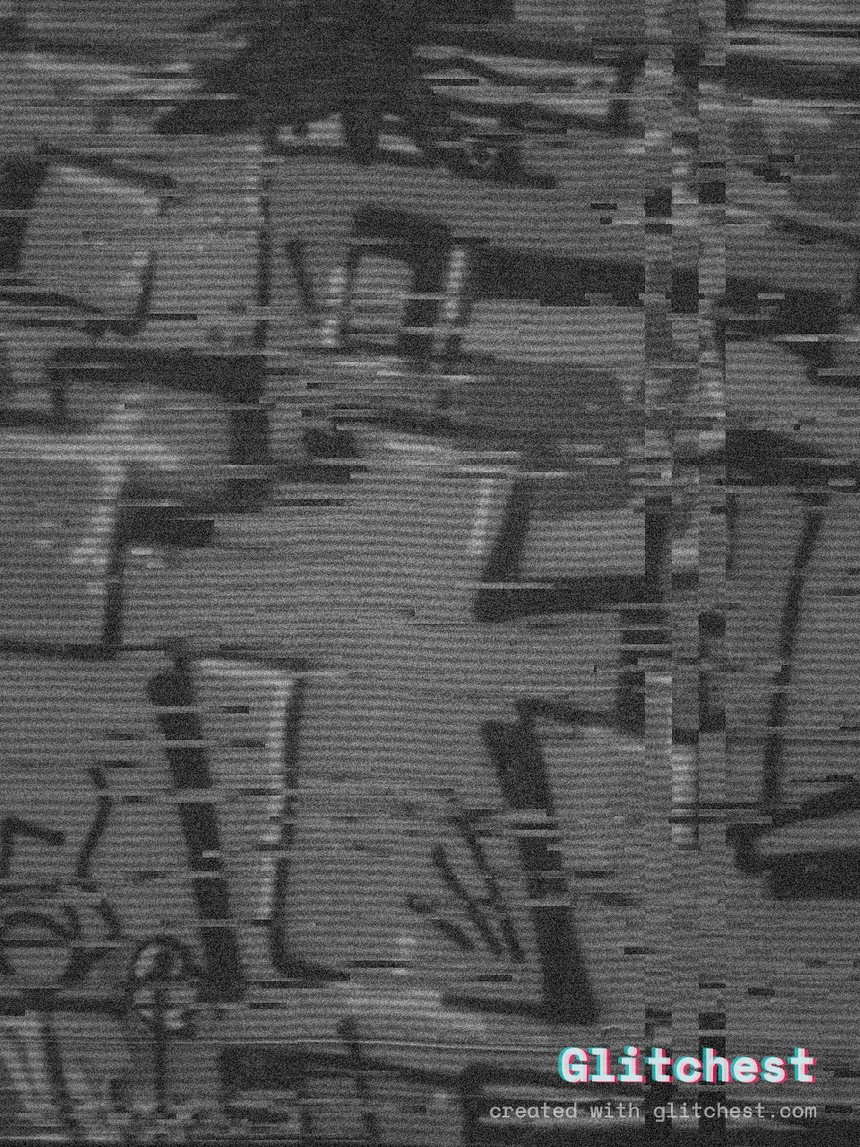
Whether you are building a cyberpunk short film, an alternate reality game (ARG) teaser, or a high-energy gaming montage, learning how to make a hacked-screen or terminal takeover effect adds immediate narrative impact. With sharp color shifts, sudden digital artifacts, and harsh screen distortions, a simulated cyber attack makes any video look like a system undergoing an unauthorized override.
Why the Hacked-Screen Aesthetic Works So Well
The terminal takeover effect relies on visual cues that signal system instability and external interference. Audiences instantly recognize command-line interfaces, cascading text, and sudden digital noise as indicators of a breach. Incorporating this effect into your project disrupts standard playback, drawing viewers directly into the perspective of a compromised operator or terminal UI.
To make the takeover convincing, realistic visual corruption is essential. Unlike standard color grading, a cyber breach requires abrupt horizontal tearing, RGB channel splitting, and sudden signal dropouts. Combining these visual disruptions with other retro or technical aesthetics, such as a surveillance camera look, creates an immersive atmosphere that feels pulled straight from a security control room.
Key Visual Components of a Screen Takeover
A realistic hacked-screen effect is rarely static. It evolves dynamically through several distinct visual layers:
- Digital Artifacting and Block Noise: Random visual blocks and pixel disruption simulate compressed or intercepted video feeds.
- Chromatic Aberration and Channel Displacement: Splitting red, green, and blue color channels creates the illusion of a failing monitor or hacked graphic card pipeline.
- Intermittent Signal Loss: Sudden drops into static or signal noise make the system look like it is actively resisting the takeover attempt.
- Scanlines and Phosphor Grid Artifacts: Overlaying subtle line structures gives digital interfaces an authentic CRT or industrial display feel. You can learn more about this in our guide to adding CRT scanlines to video.
Step-by-Step: How to Create a Terminal Takeover Effect
Creating this effect online usually requires complex compositing software, but you can build a customizable terminal takeover directly in your browser without software installations.
- Import Your Clip into the editor: Open Glitchest and drop your video file or static screen capture directly into the browser workspace. Because processing happens locally on your computer via WebCodecs, your files are never uploaded to an external server.
- Select a Cyber-Inspired Preset: Choose from presets such as Cyber Glitch, Signal Jam, or Broken Monitor to establish your baseline glitch aesthetic. The Cyber Glitch preset immediately introduces digital distortion tailored for UI overlays.
- Configure RGB Shifts and Noise Levels: Adjust the displacement controls to introduce heavy chromatic channel separation. Increase noise parameters to mimic electronic interference on terminal text or HUD displays.
- Apply Geometric Masking: If your video features a laptop display, monitor, or specific terminal window, use the interactive rectangle or ellipse mask. Positioning the mask ensures the takeover effect applies exclusively to the targeted screen while leaving surrounding scene elements unaffected.
- Animate Glitch Intensity on the Timeline: Place effect boxes on the timeline below the preview to build dynamic visual beats. Start with a pristine terminal, drop a short box with little or no fade to trigger an intense burst of digital corruption right at the breach, then let a longer, gently faded box settle into a persistent glitched signal.
- Dial in Retro Screen Textures: Turn the Time Machine dial to layer subtle analog texture, giving modern screen recordings the grit of older terminal hardware.
- Export Your High-Quality Video or Frame: Preview your result in real time. When ready, export a smooth MP4 file rendered directly via WebCodecs, or capture a crisp high-resolution still using Save Frame.
Advanced Techniques for Realistic System Overrides
Layering Text and UI Elements
For maximum impact, capture green, amber, or white monospace text against a dark background before applying your glitch stack. Dark high-contrast command lines react exceptionally well to digital displacement and block noise, accentuating screen tearing.
Matching Glitch Timing to Audio Stings
A screen takeover is most convincing when aligned with sound effects like electrical hums, static pops, or modem handshakes. Drop short effect boxes in the editor to align visual spikes directly with key audio hits in your editor timeline for maximum narrative synchronization.
Try it now — add this look to your own clip, free and in your browser.
Open the editor →FAQ
Can I make a hacked screen effect without downloading software?
Yes, Glitchest runs entirely inside your web browser using client-side processing, requiring no software downloads or account sign-ups.
How do I limit the takeover glitch to just one monitor in my shot?
You can use the built-in rectangle or ellipse masking tools in Glitchest to isolate the glitch effect directly to a specific screen or UI window.
Will my exported video have a watermark?
No — there's no watermark. The video exports free and in full quality.