Home / Blog / VHS & Retro / 30 Glitch Effects on One Photo — Every Preset Compared
Showcase

30 Glitch Effects on One Photo — Every Preset Compared

Published 2026-07-25 · 6 min read

Glitchest ships with 30 one-click presets — VHS, datamosh, CRT, retro-game, kaleidoscope, neon outline and more — and every one is a starting point you can fine-tune with 46 knobs. To show what that actually looks like, we ran the exact same photo through all 30, untouched, straight out of the editor. No cherry-picking: load a clip or image, tap a preset, export an MP4 or PNG.

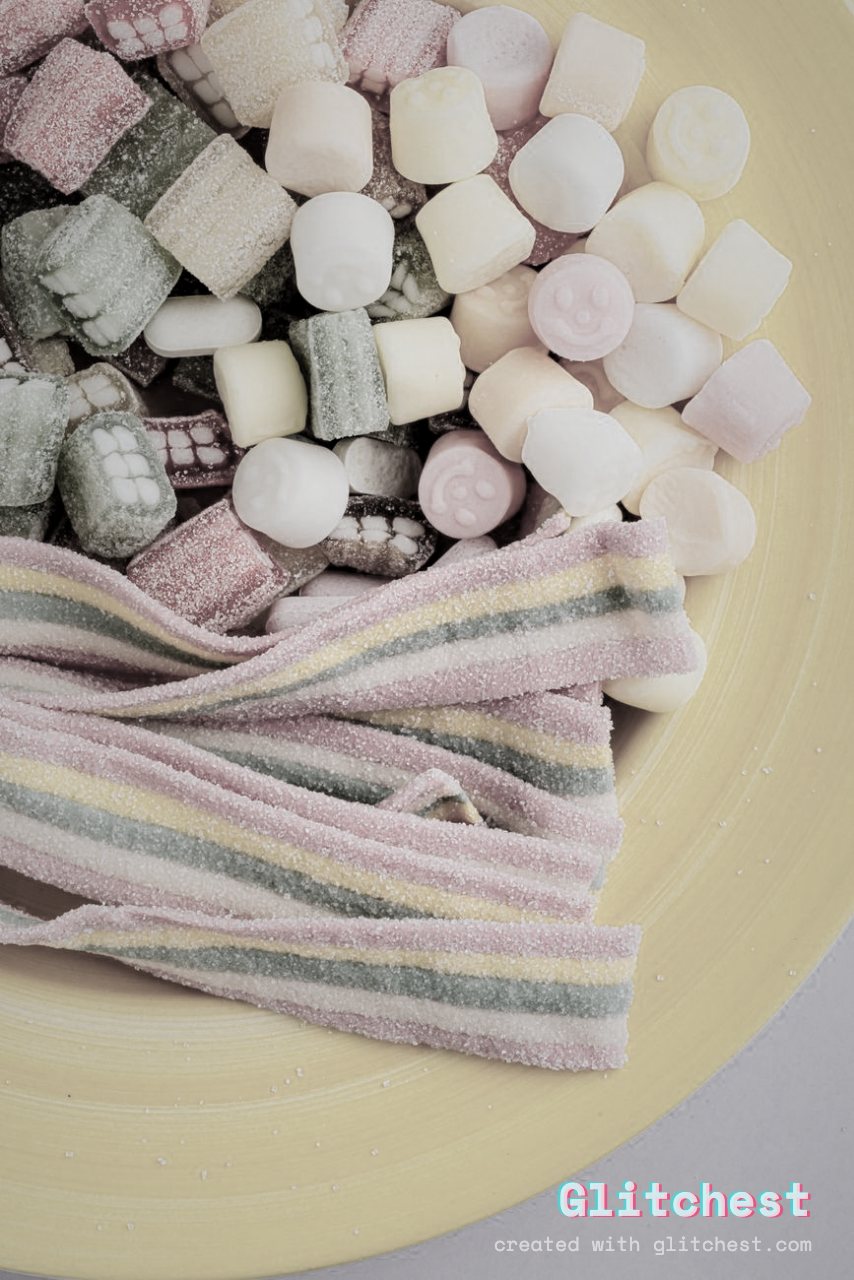
Here's the original frame, clean:
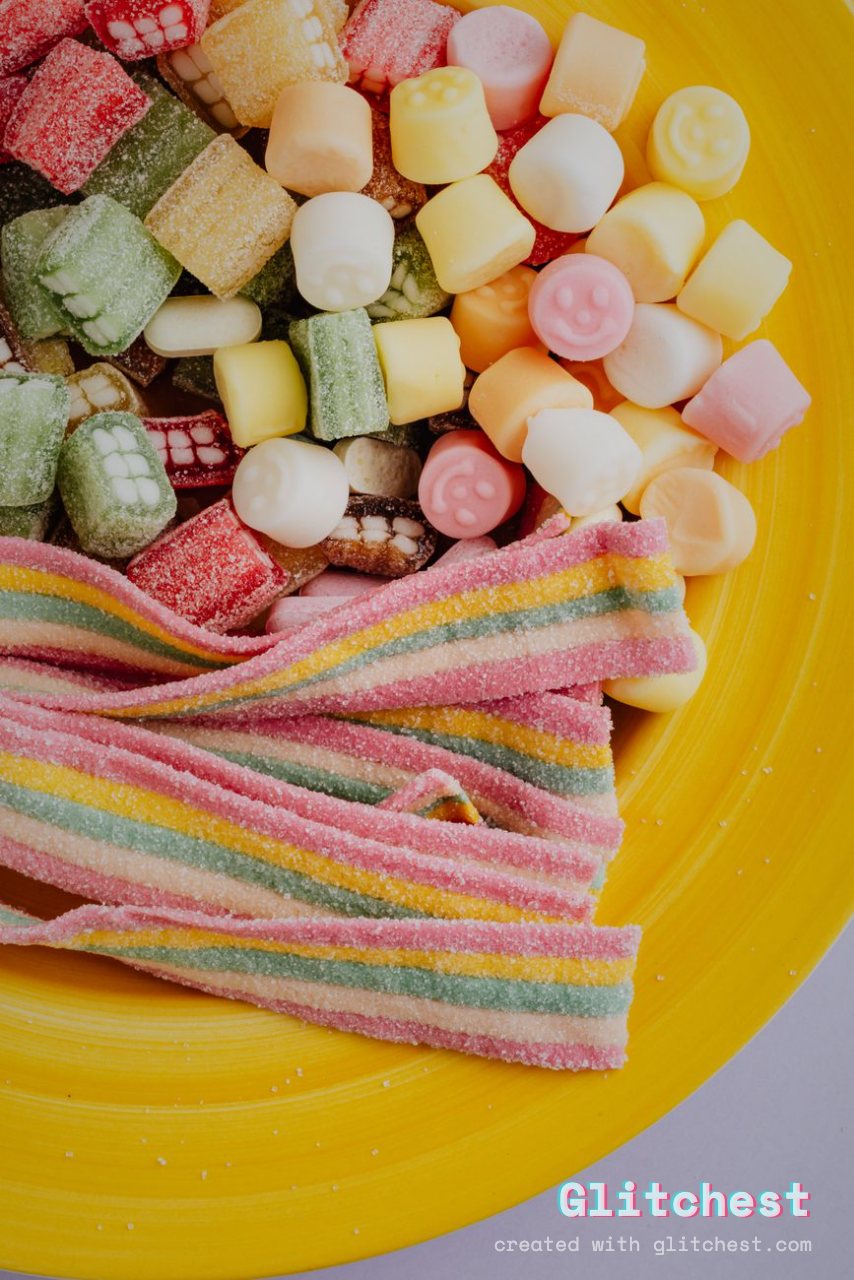
The original untouched photo before any glitch effect

Base photo by www.kaboompics.com via PexelsPexels License (free to use). Effects added in Glitchest.

Now the same shot, 30 different ways. Tap any look to open it in the editor and make it your own.

Classic glitch & VHS
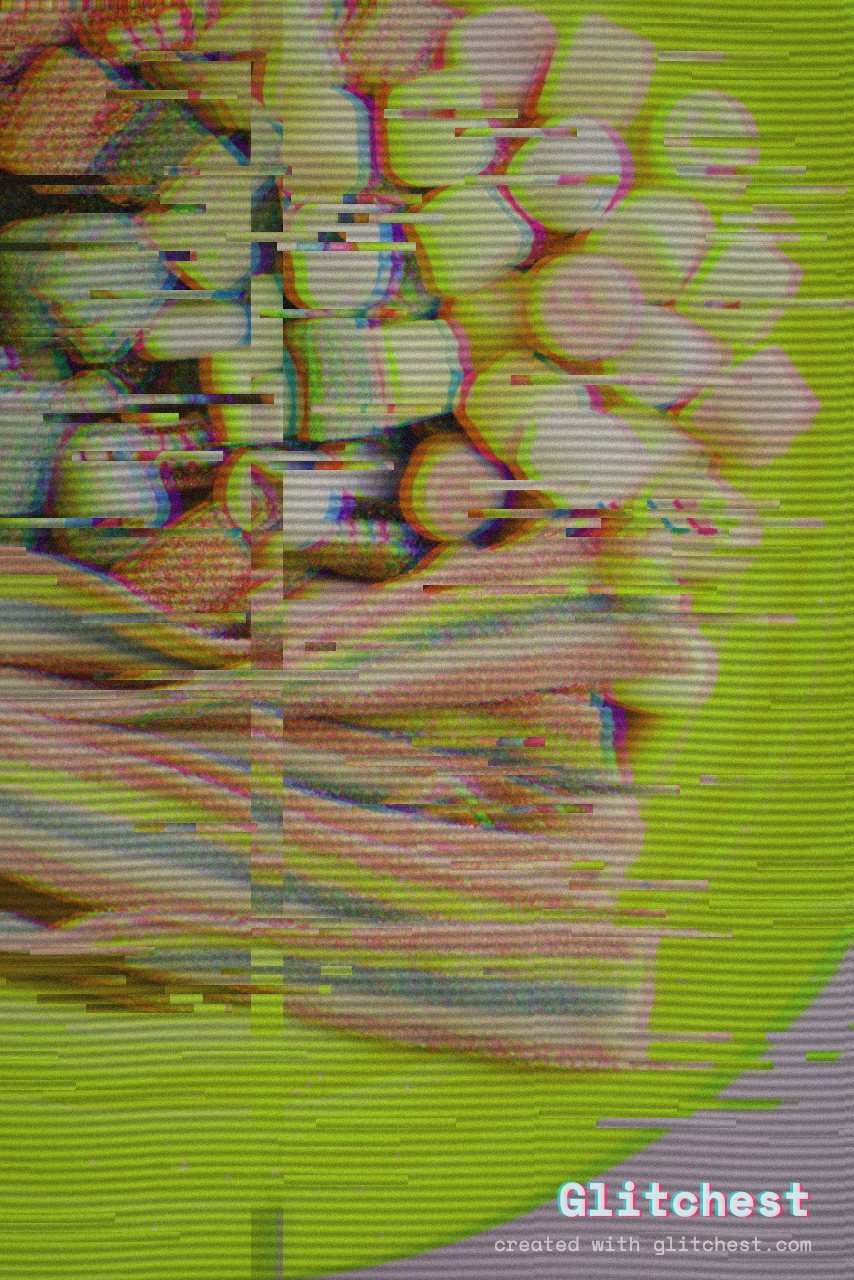
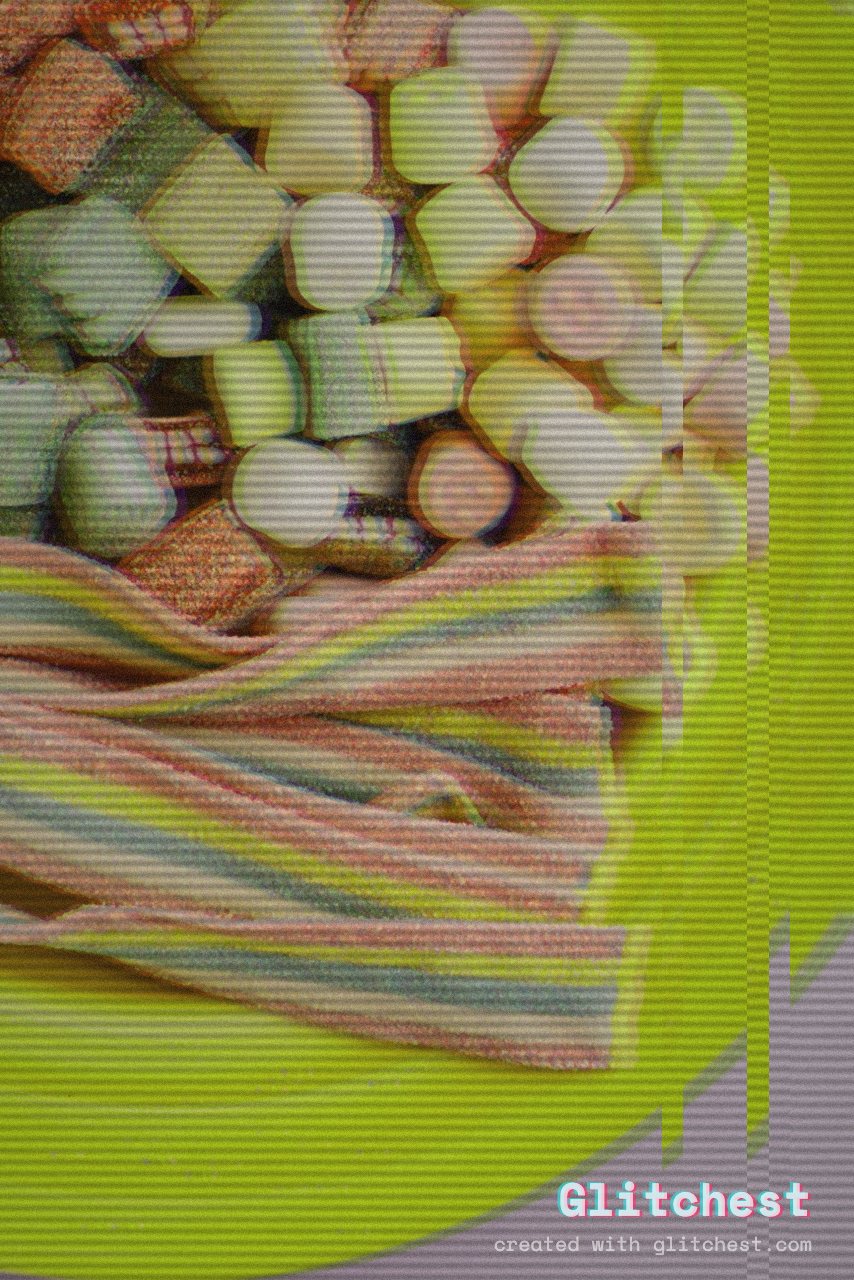
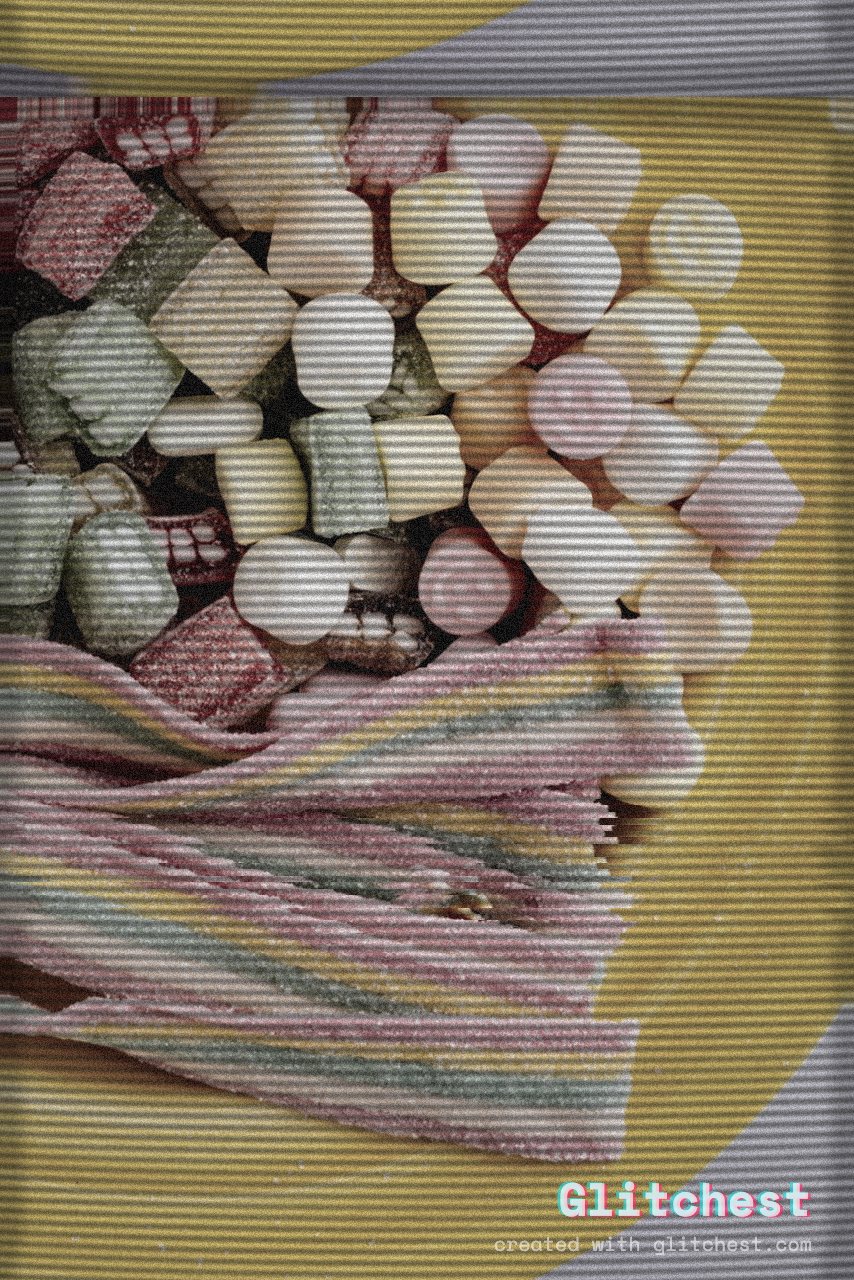
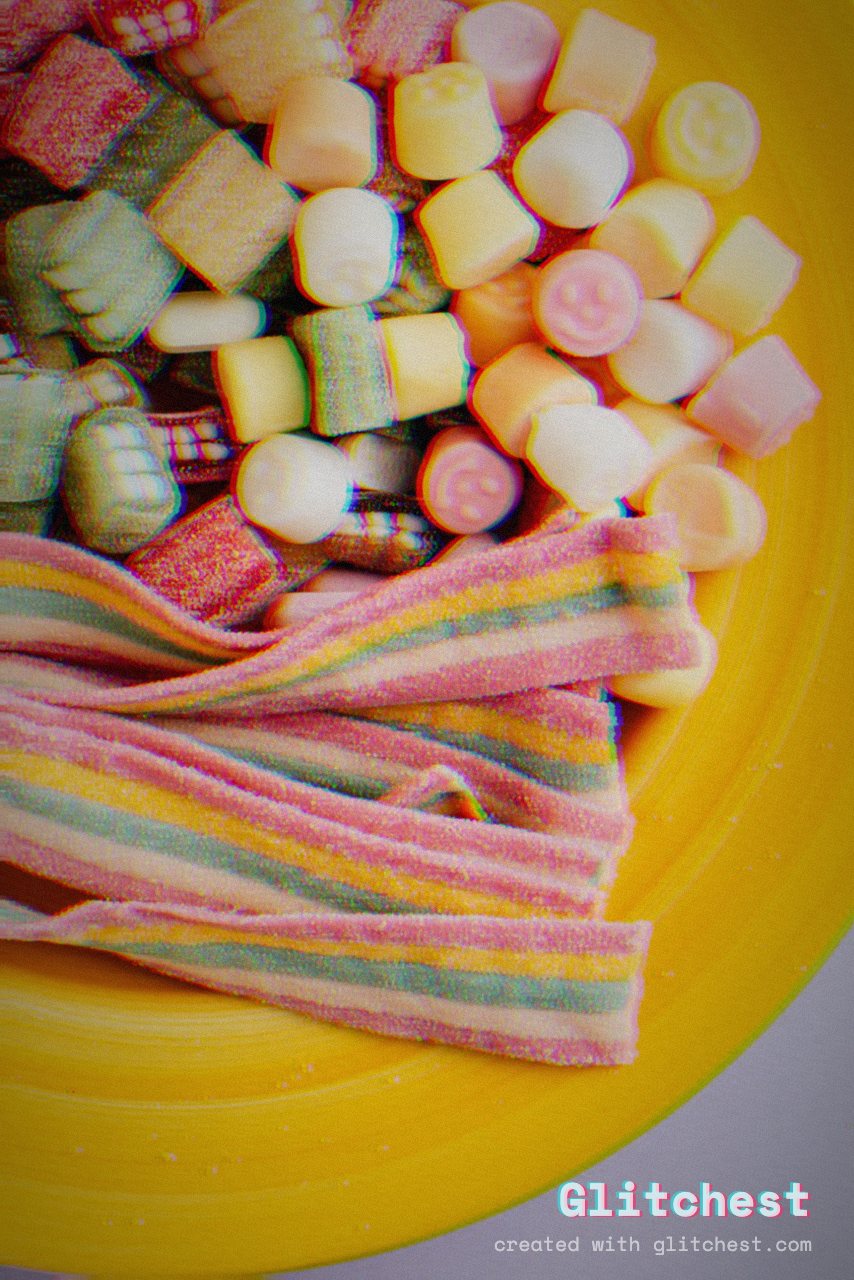
VHS glitch effect applied to a photo in Glitchest
VHS — tracking lines, tape wobble and colour bleed Open this look →
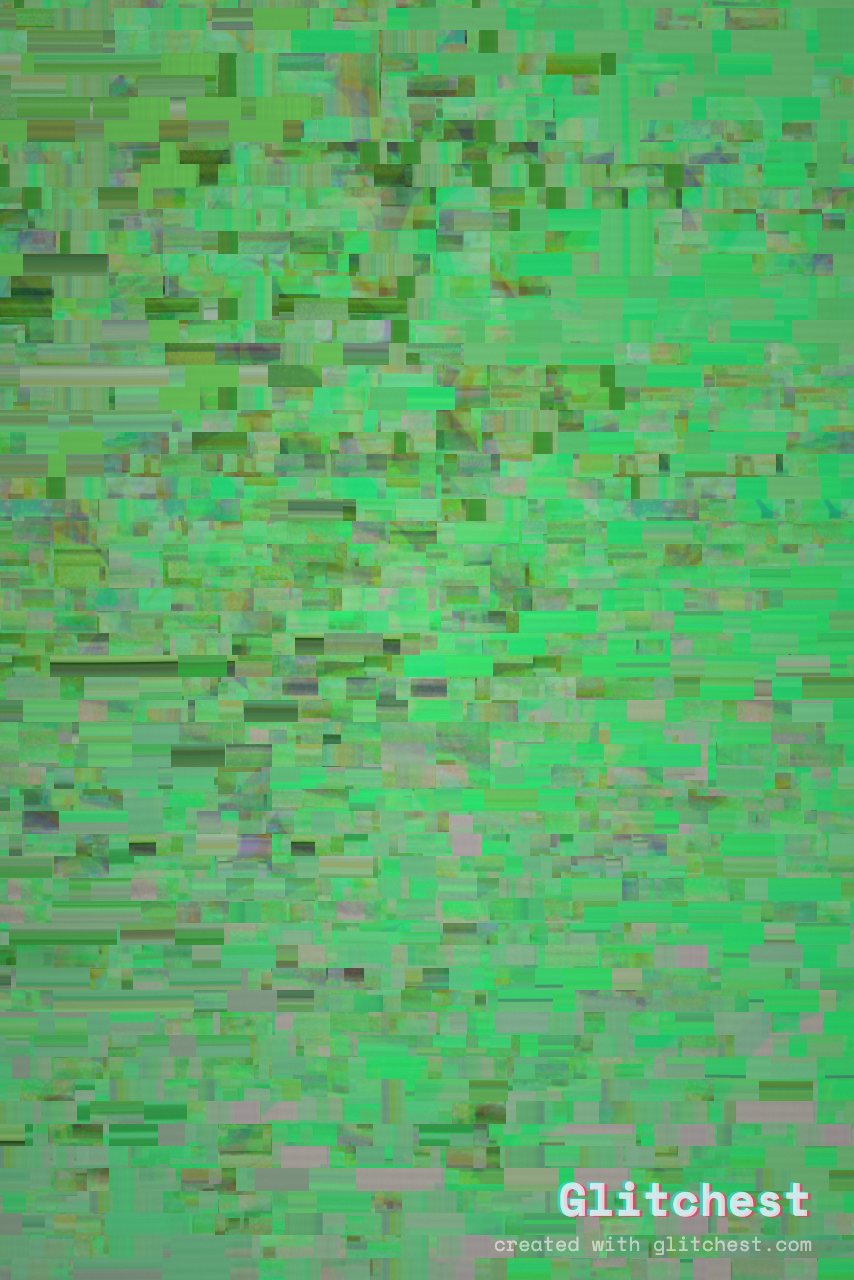
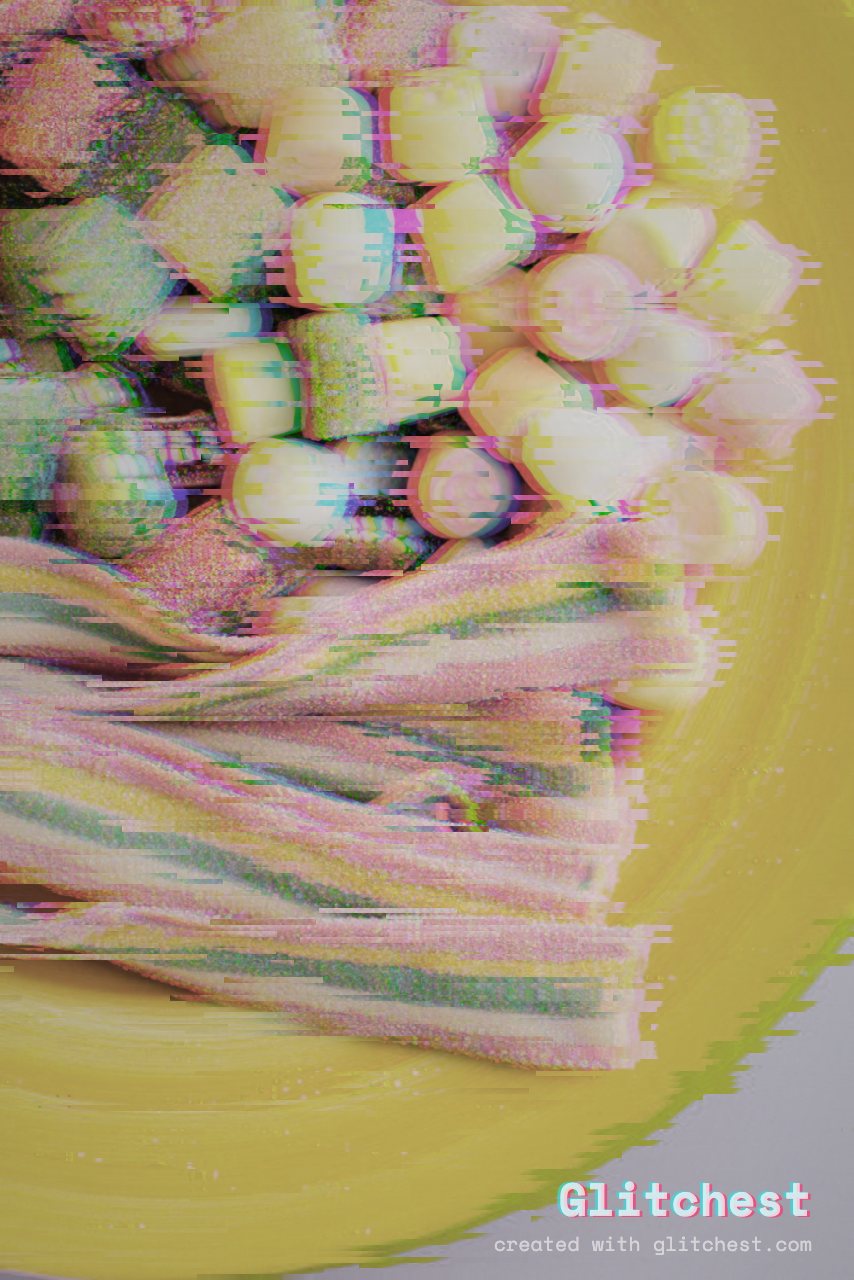
Datamosh glitch effect applied to a photo in Glitchest
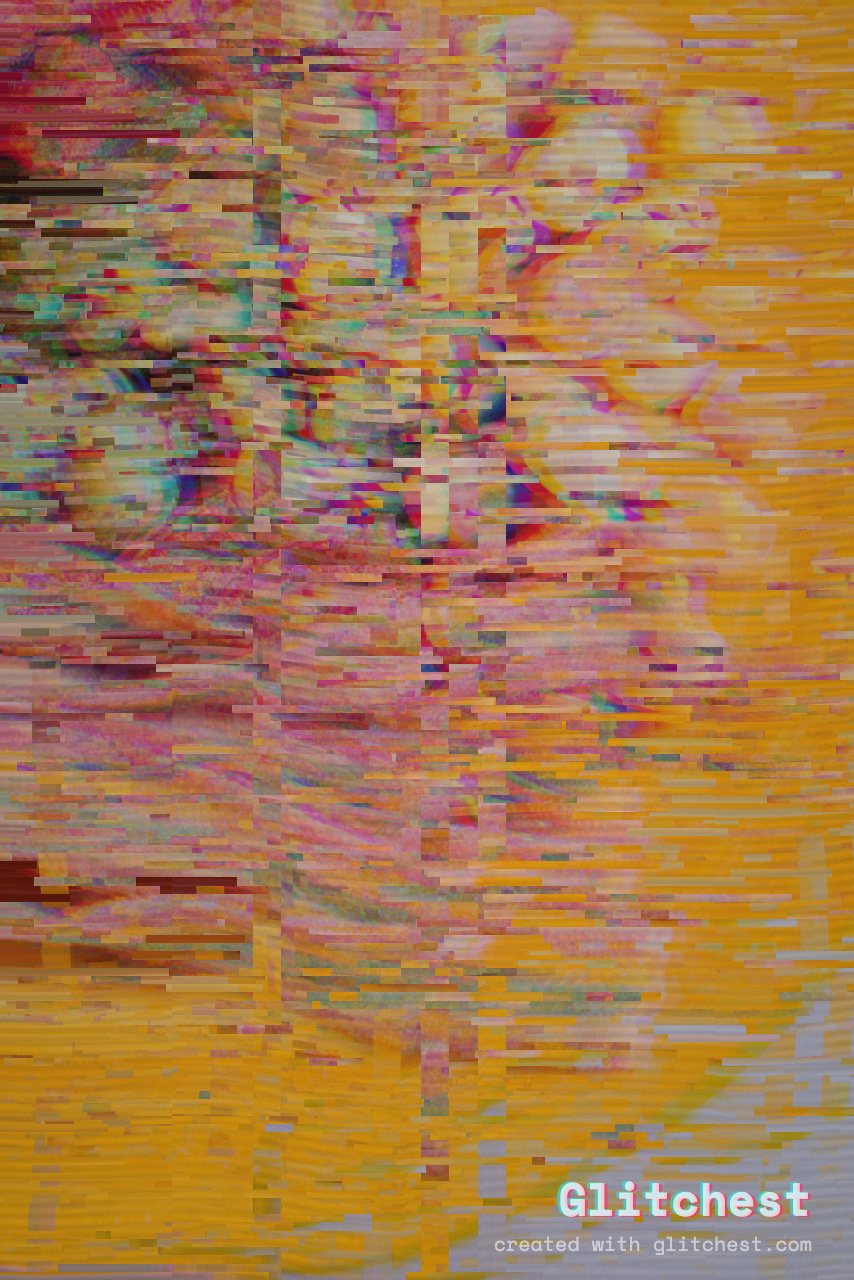
Datamosh — smeared, melting compression artifacts Open this look →
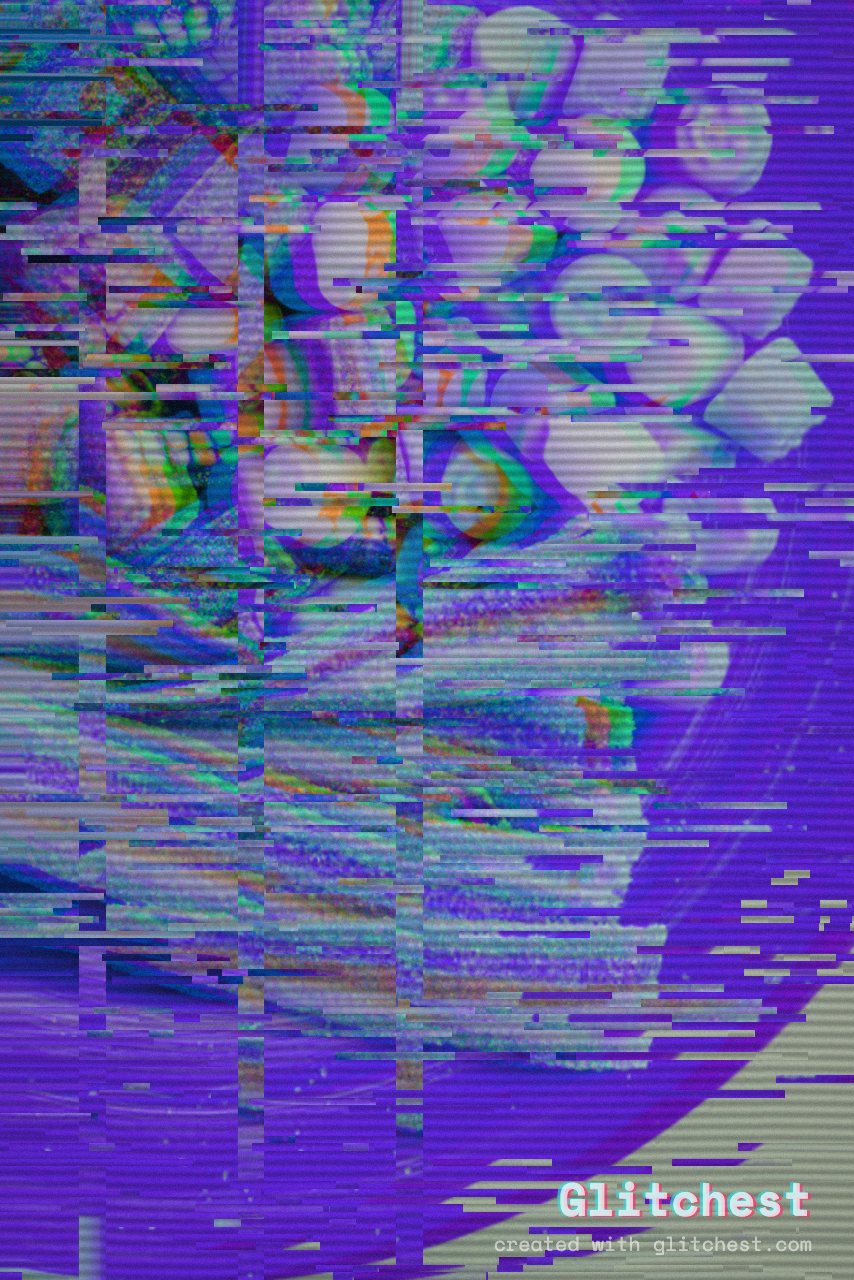
Cyber Glitch glitch effect applied to a photo in Glitchest
Cyber Glitch — hard digital tearing and RGB shear Open this look →
Broken Monitor glitch effect applied to a photo in Glitchest
Broken Monitor — a dying screen with violent jitter Open this look →
Signal Jam glitch effect applied to a photo in Glitchest
Signal Jam — heavy static rolling over the picture Open this look →
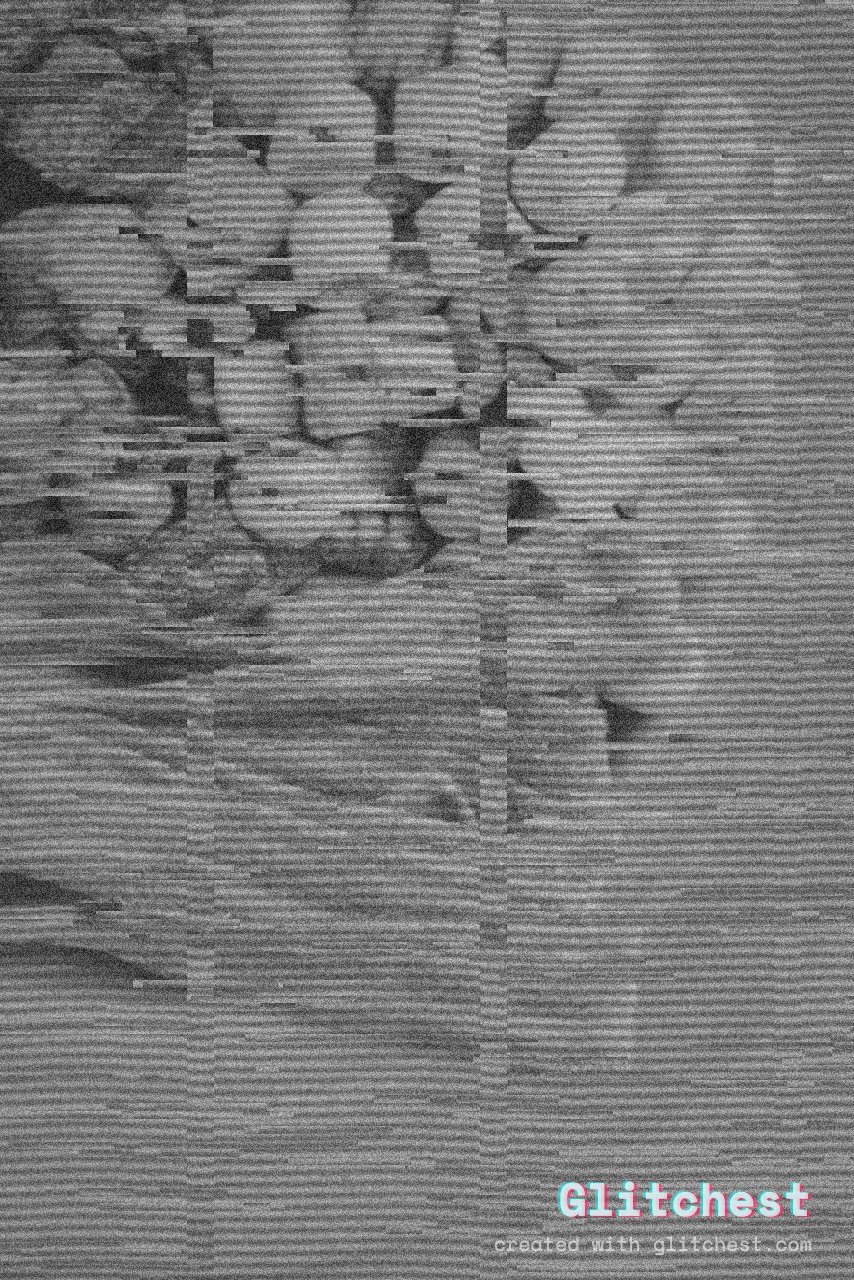
Dead Channel glitch effect applied to a photo in Glitchest
Dead Channel — black-and-white snow, no signal Open this look →
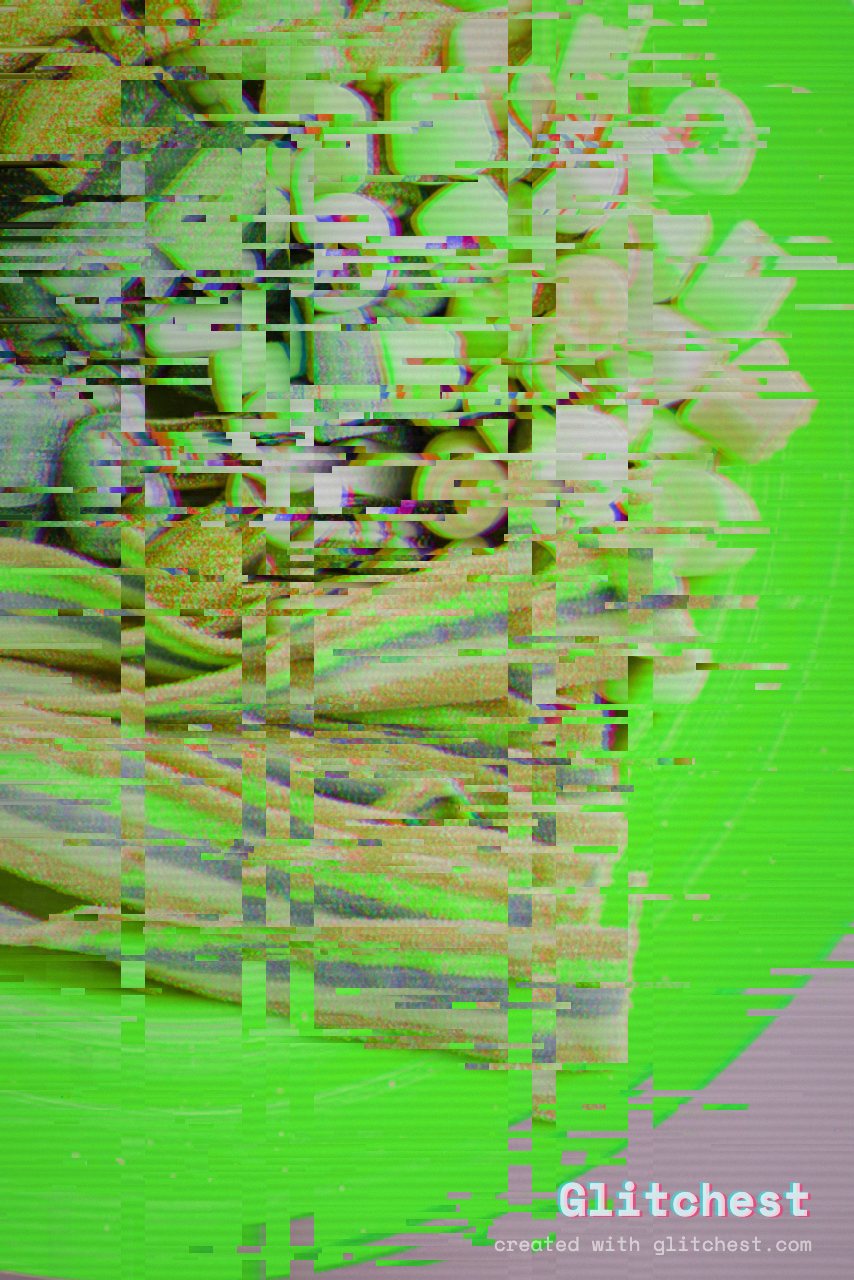
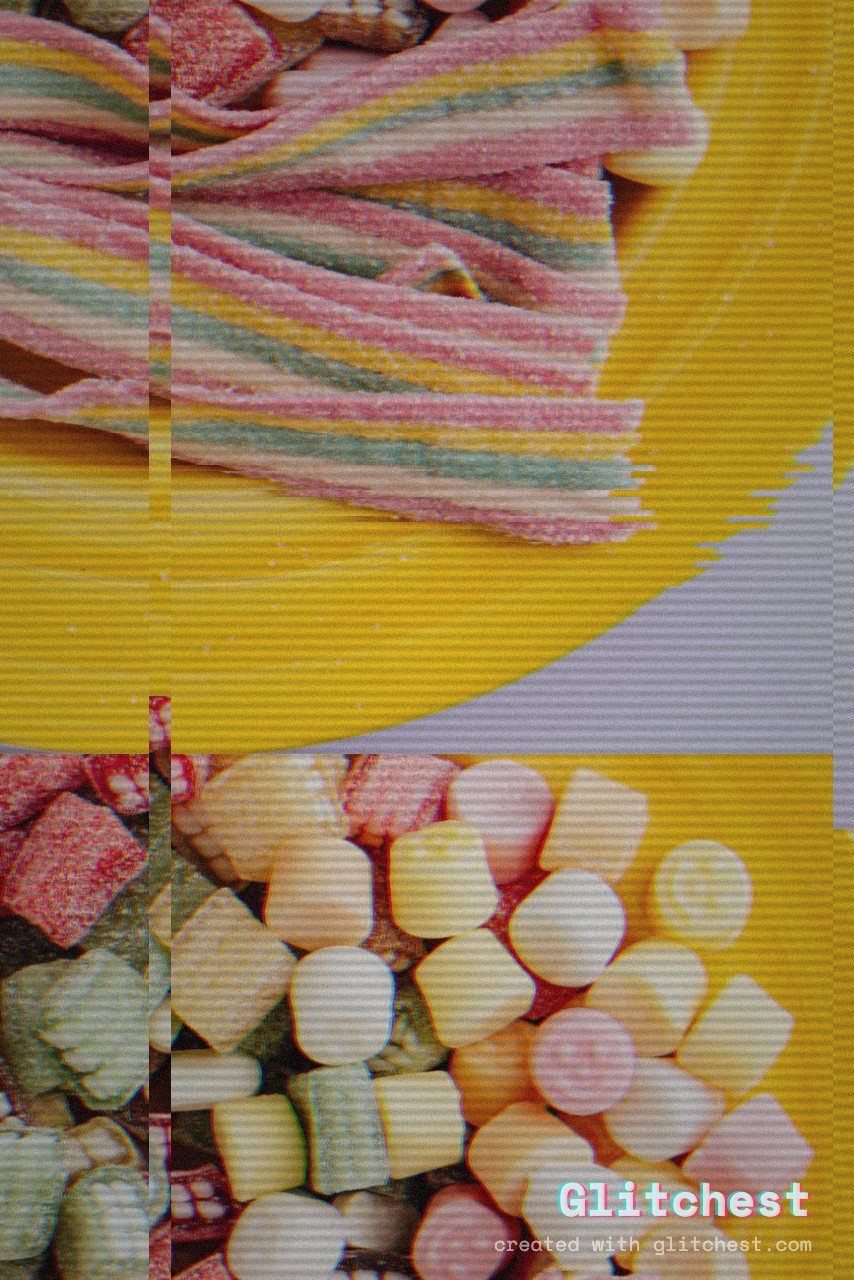
Bad Tracking glitch effect applied to a photo in Glitchest
Bad Tracking — a VCR that lost the picture Open this look →
Channel Chaos glitch effect applied to a photo in Glitchest
Channel Chaos — channels swapped into surreal colour Open this look →

Retro film & TV

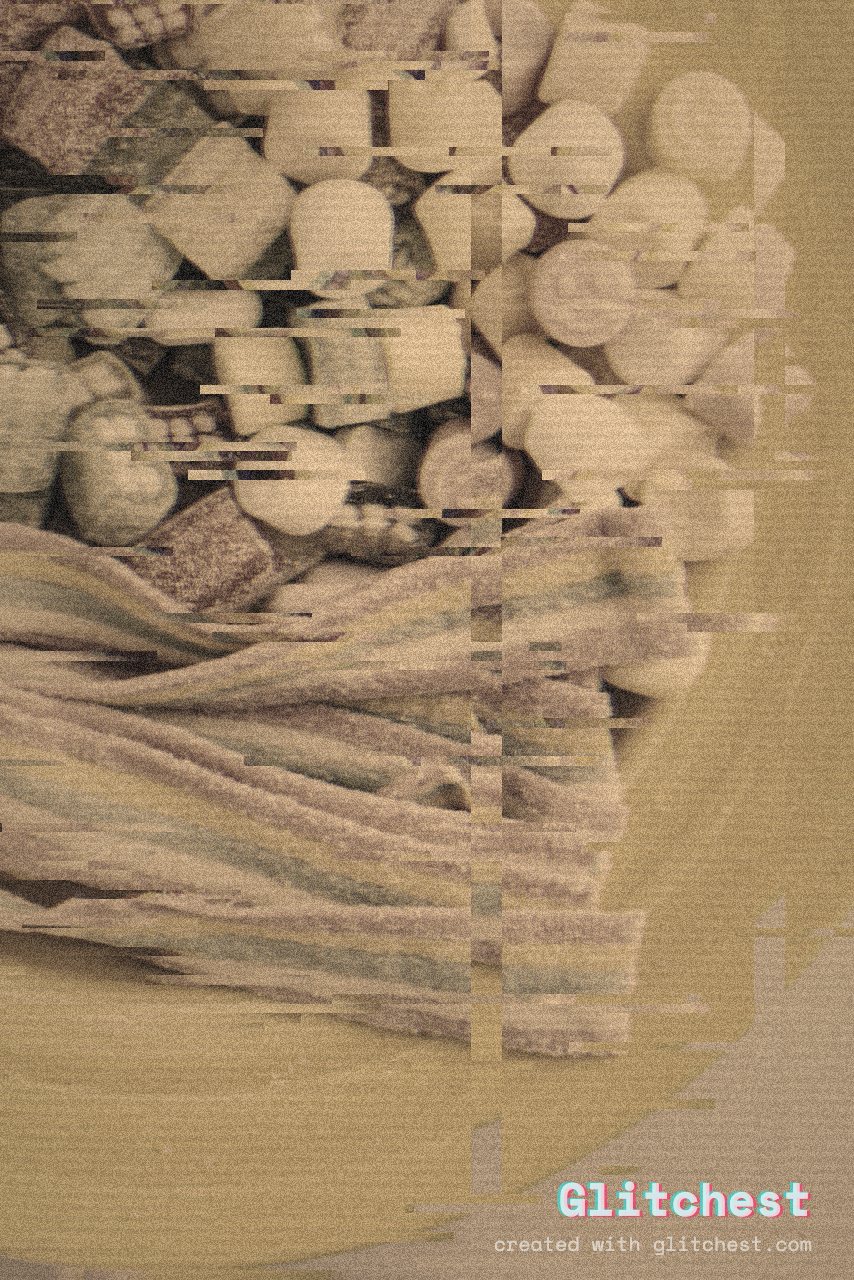
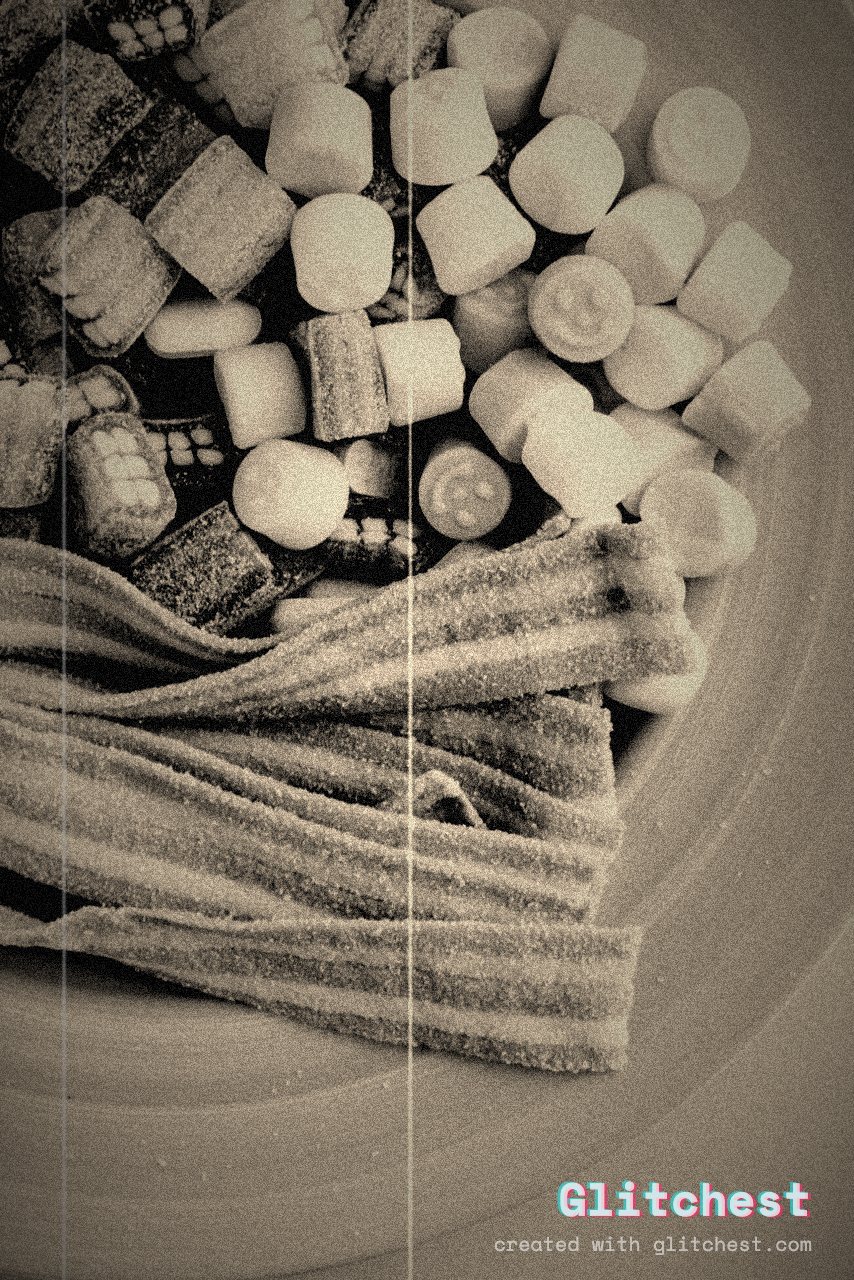
Old Film glitch effect applied to a photo in Glitchest
Old Film — dust, scratches and warm sepia age Open this look →
Silent Film glitch effect applied to a photo in Glitchest
Silent Film — 1920s black-and-white, choppy and flickering Open this look →
Camcorder glitch effect applied to a photo in Glitchest
Camcorder — '90s home-video chroma bleed Open this look →
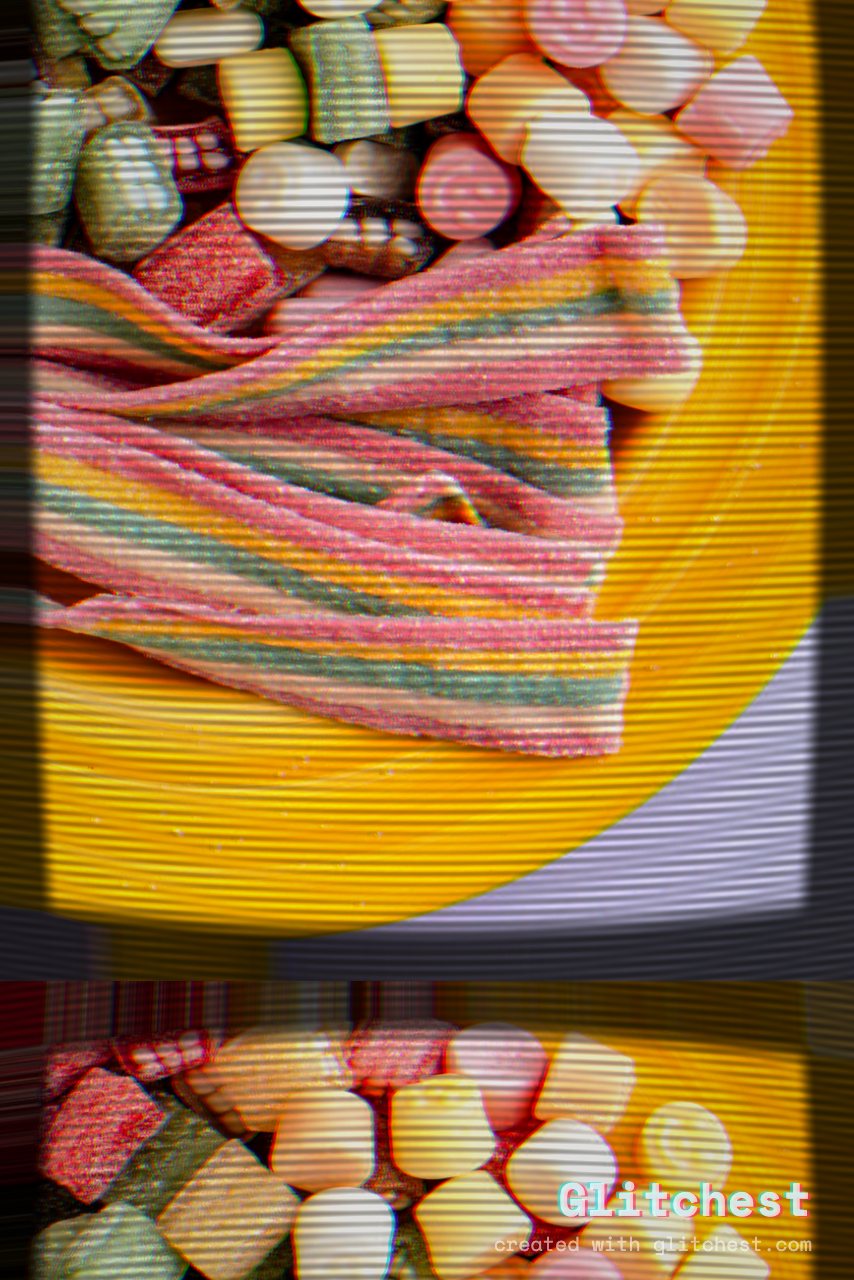
CRT TV glitch effect applied to a photo in Glitchest
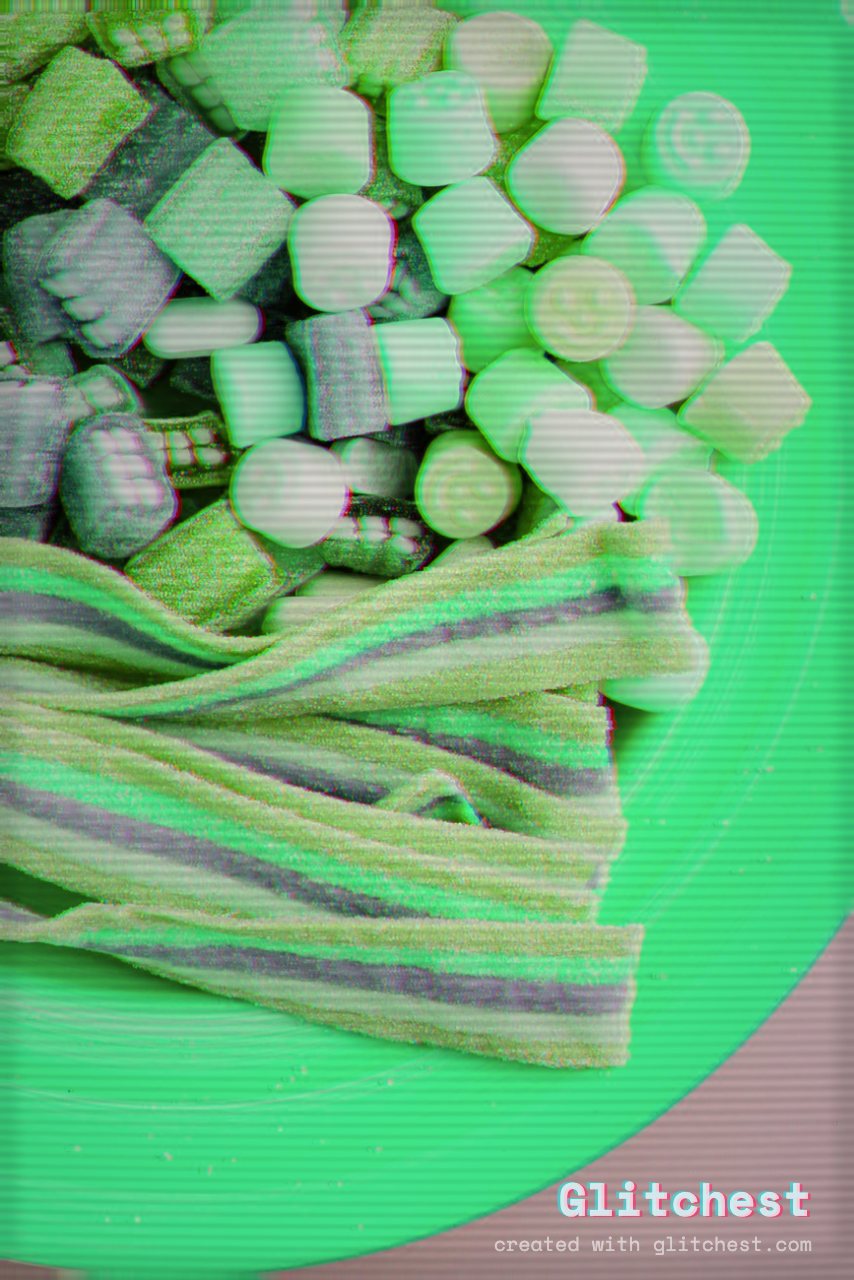
CRT TV — curved glass, scanlines and phosphor glow Open this look →
Y2K glitch effect applied to a photo in Glitchest
Y2K — early-2000s webcam sheen Open this look →
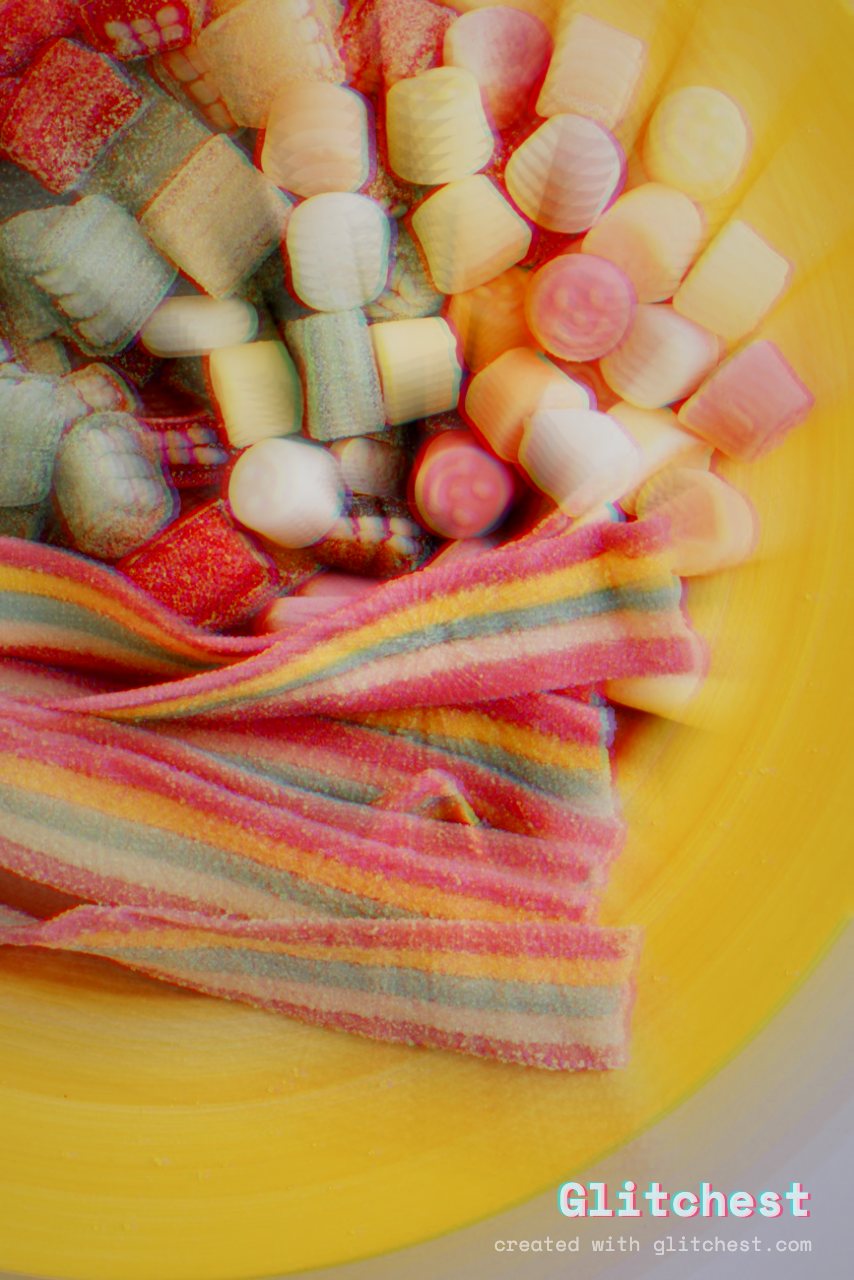
Analog Horror glitch effect applied to a photo in Glitchest
Analog Horror — dread: rolling, flickering, decayed Open this look →

Retro gaming & print

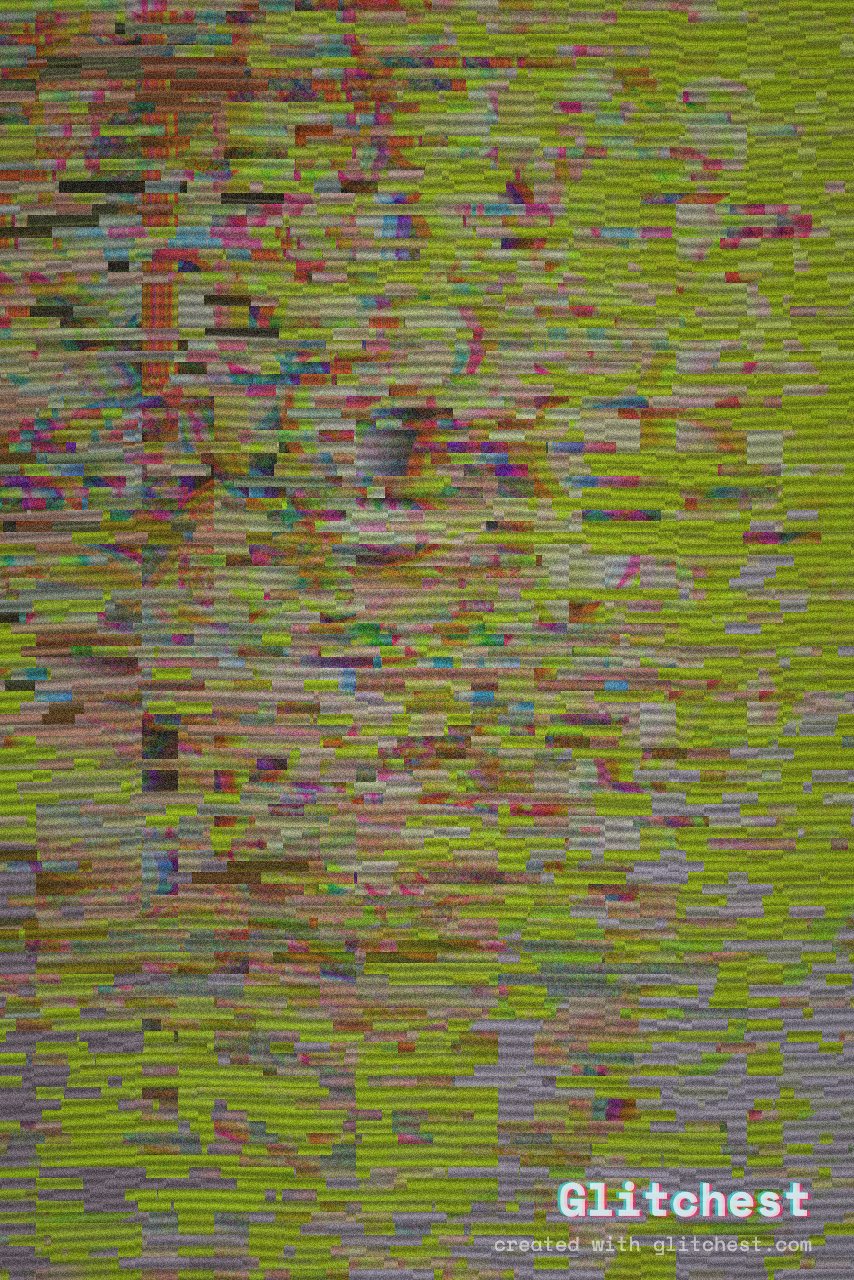
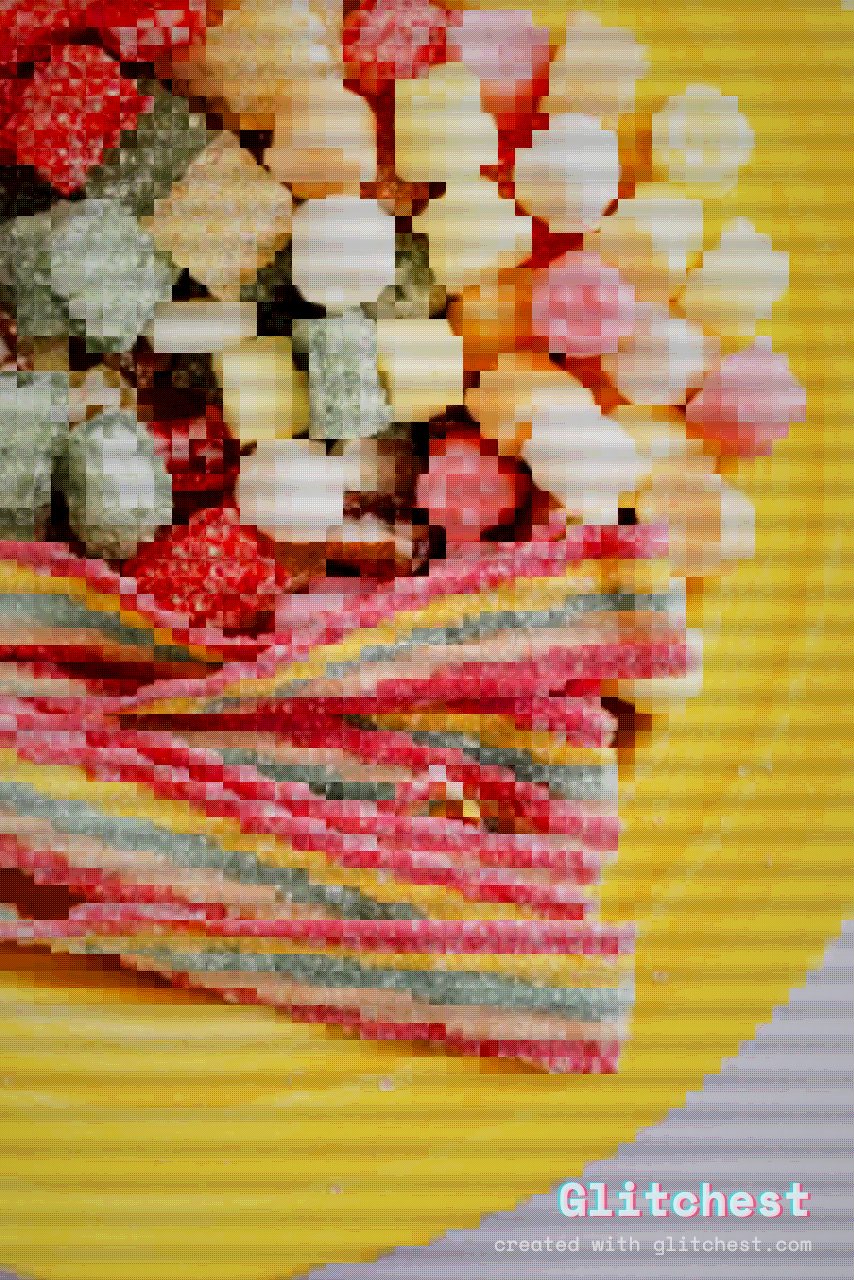
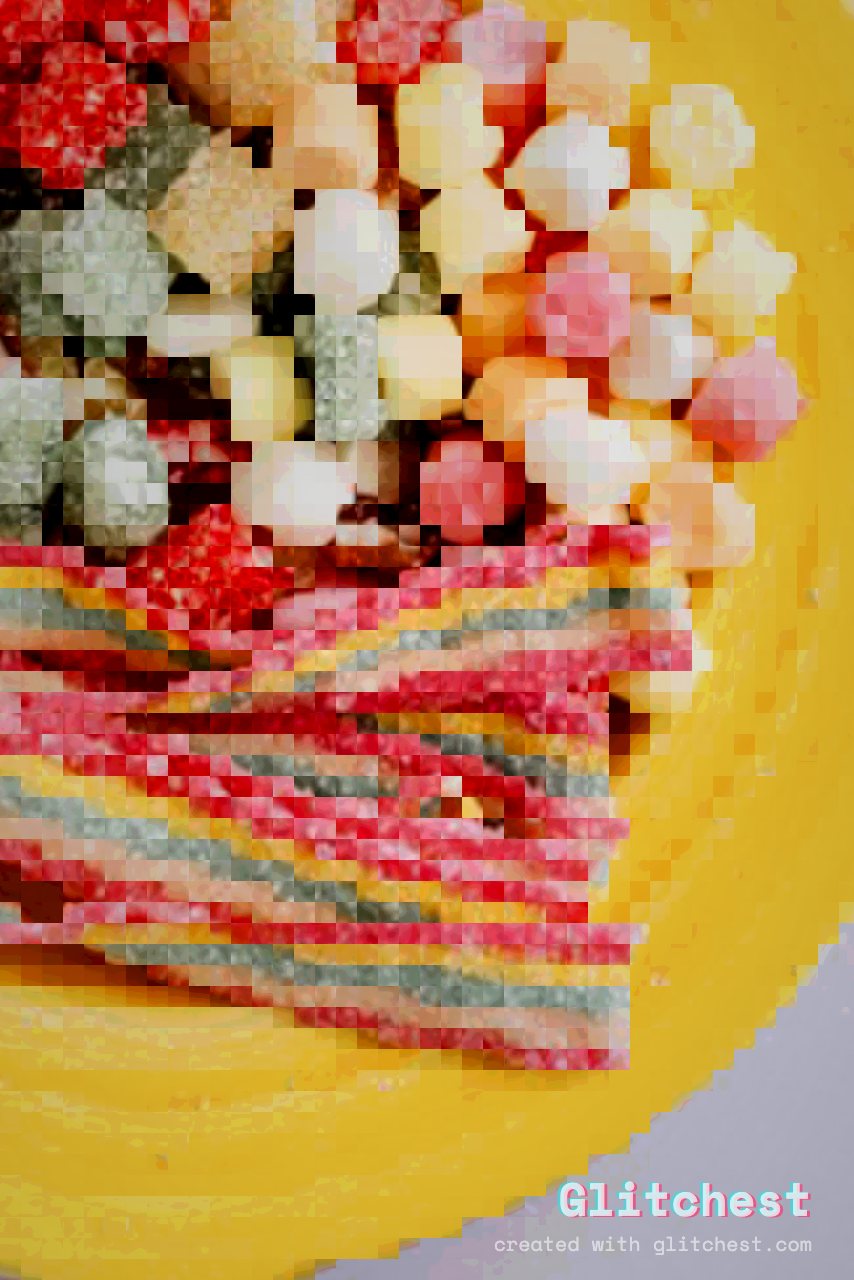
Retro Game glitch effect applied to a photo in Glitchest
Retro Game — chunky pixels, punchy 8-bit palette Open this look →
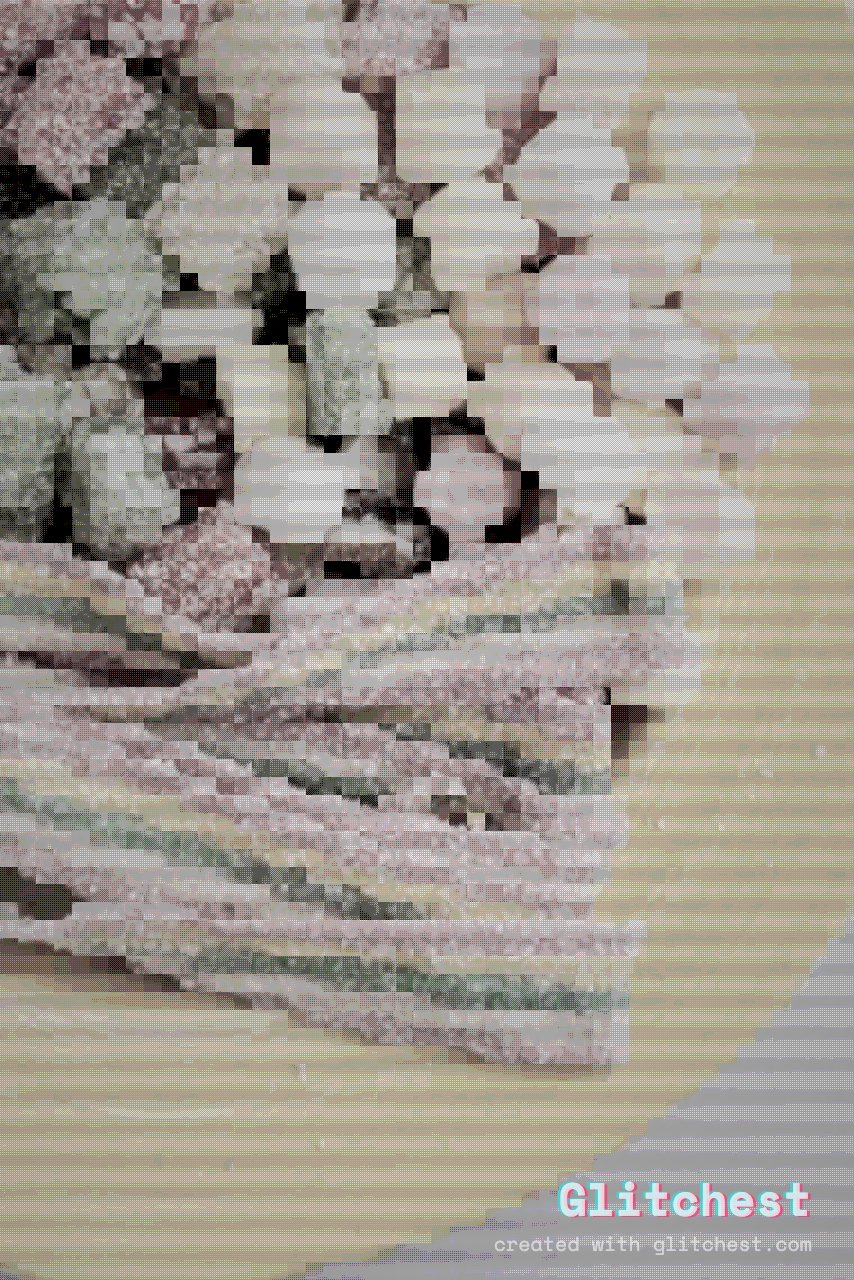
Retro Handheld glitch effect applied to a photo in Glitchest
Retro Handheld — 2-bit olive-green dot screen Open this look →
Pixel Art glitch effect applied to a photo in Glitchest
Pixel Art — clean blocky pixelation Open this look →
Comic glitch effect applied to a photo in Glitchest
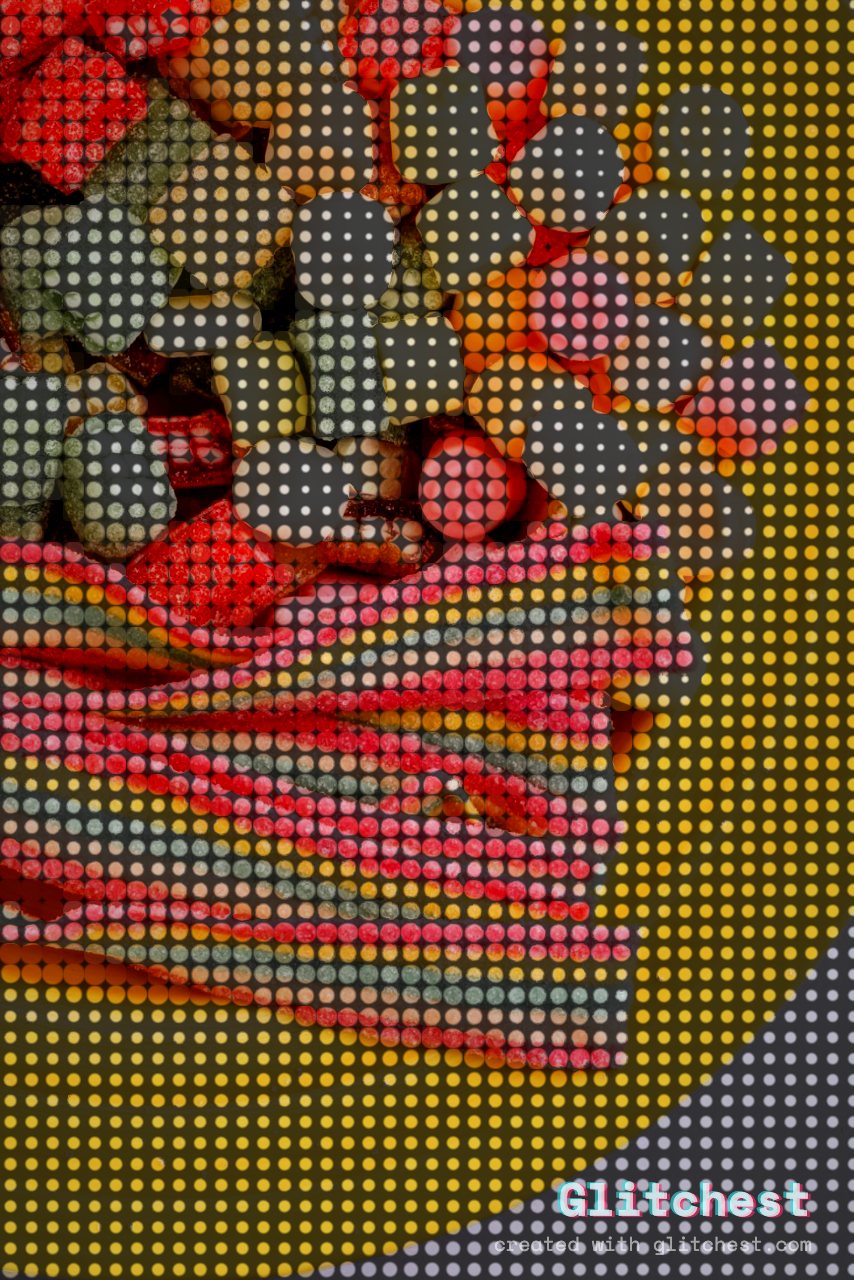
Comic — halftone dots, inked-panel look Open this look →
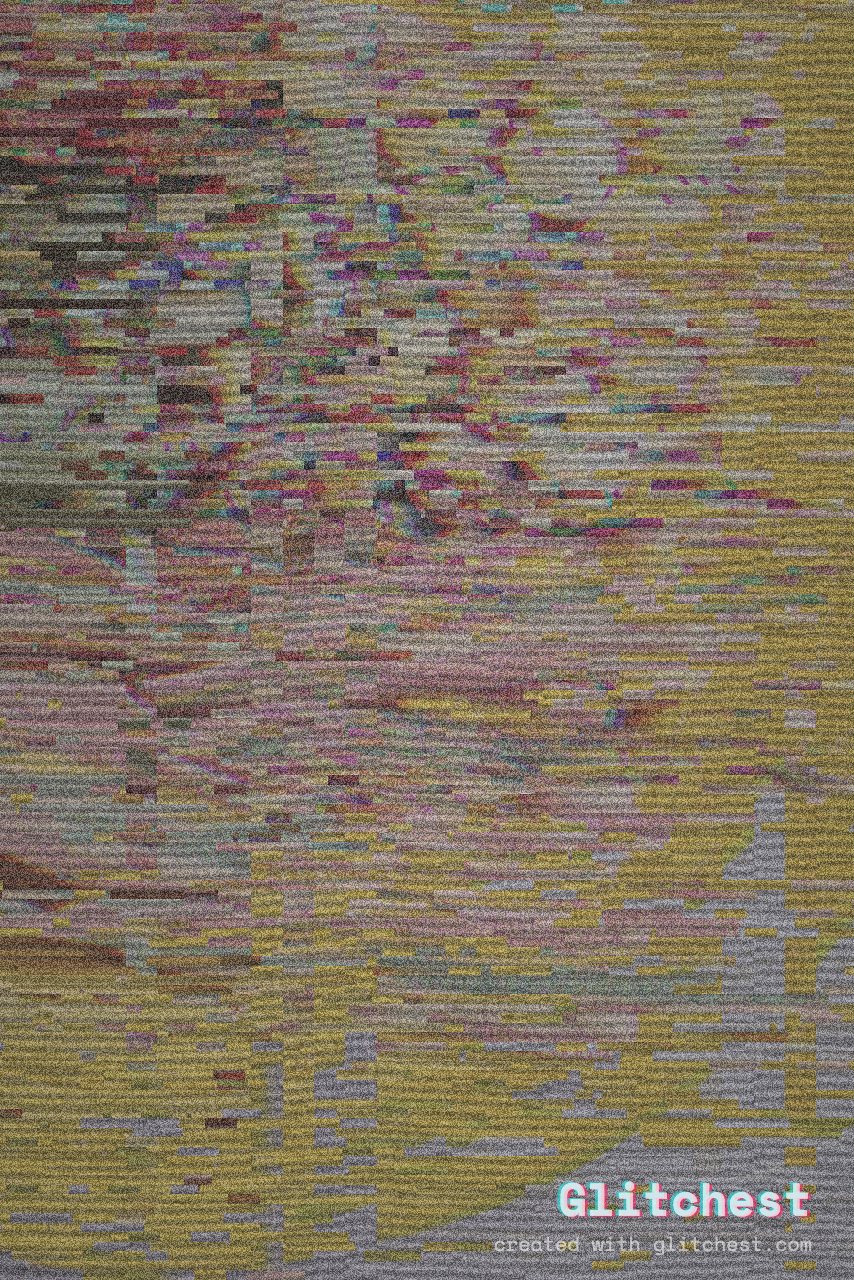
Duotone glitch effect applied to a photo in Glitchest
Duotone — two-tone screen-print colour Open this look →

Colour & psychedelic

Vaporwave glitch effect applied to a photo in Glitchest
Vaporwave — dreamy magenta-cyan haze Open this look →
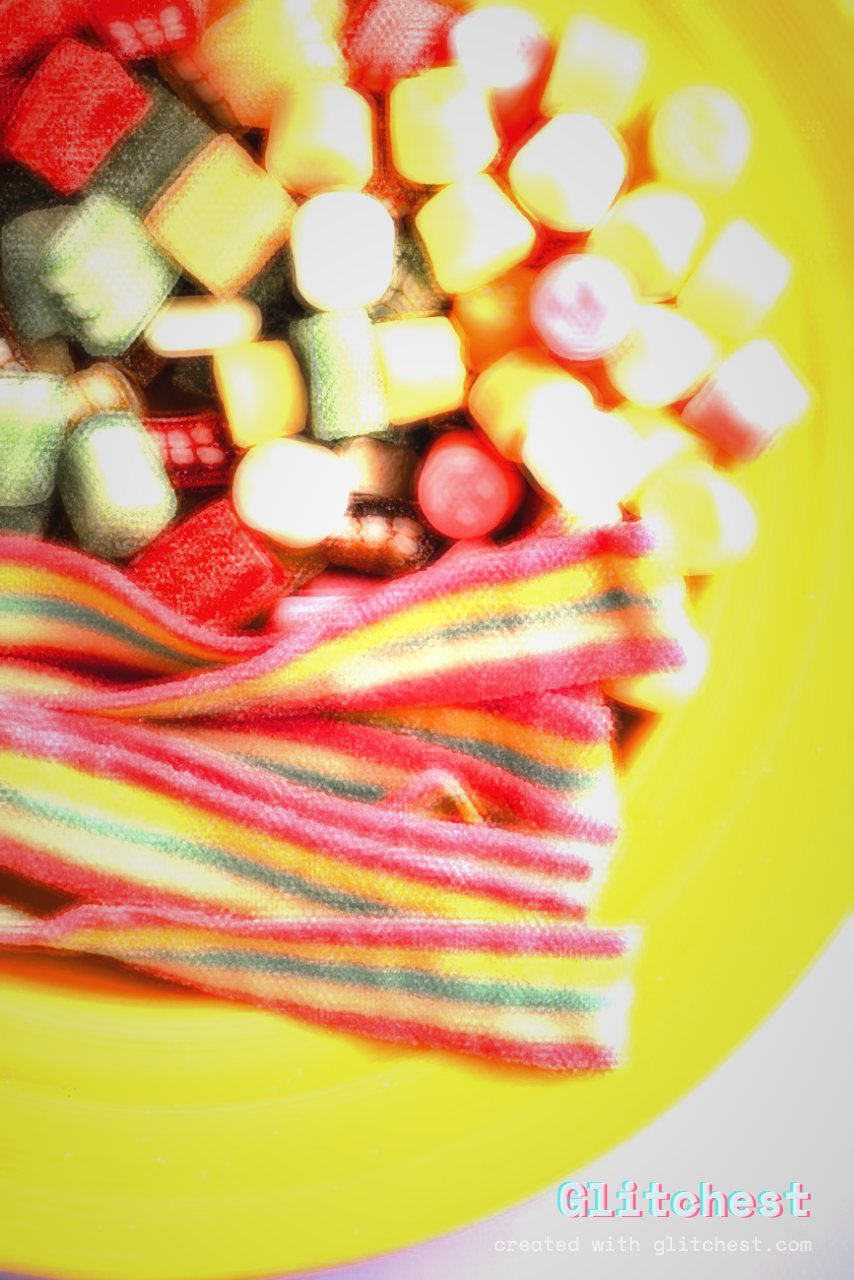
Acid glitch effect applied to a photo in Glitchest
Acid — melting, saturated hue trip Open this look →
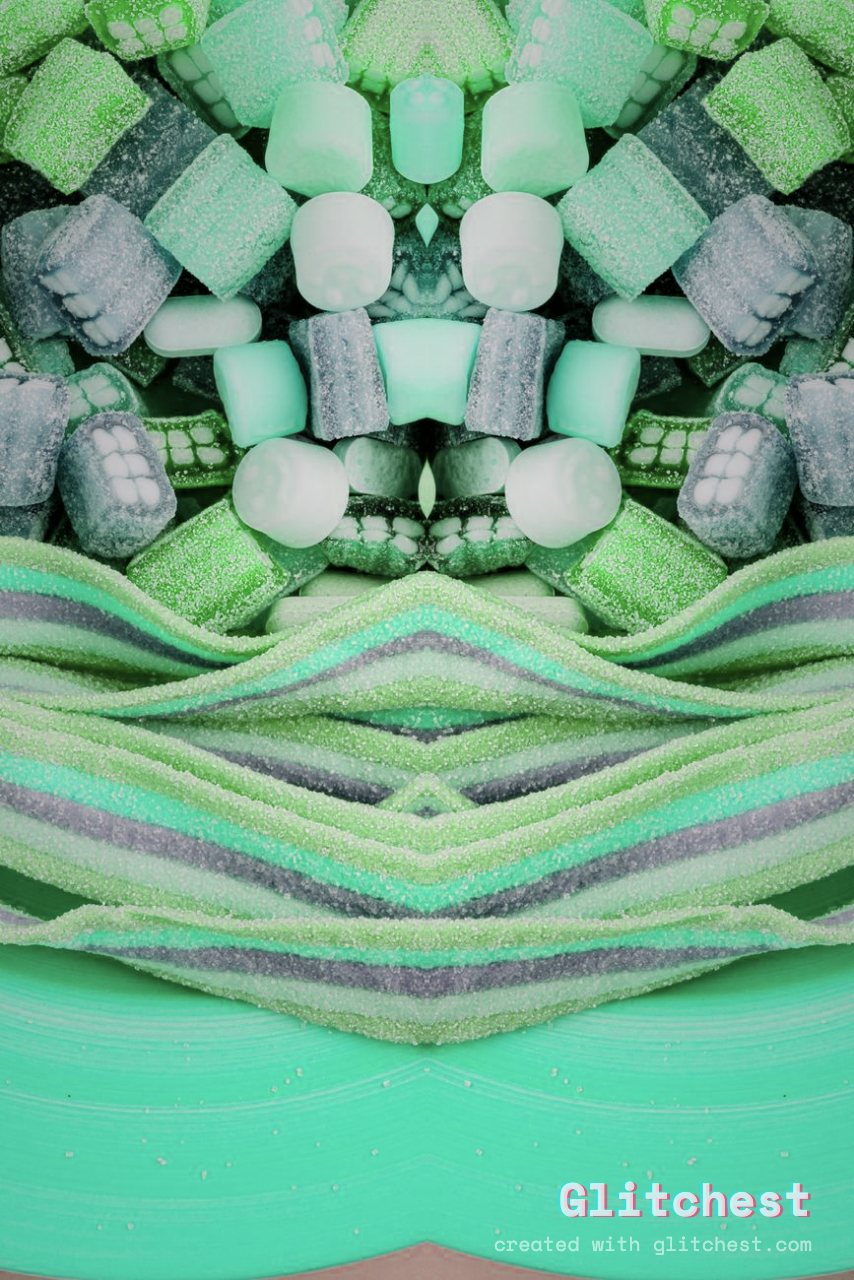
Kaleidoscope glitch effect applied to a photo in Glitchest
Kaleidoscope — mirrored symmetric fractals Open this look →
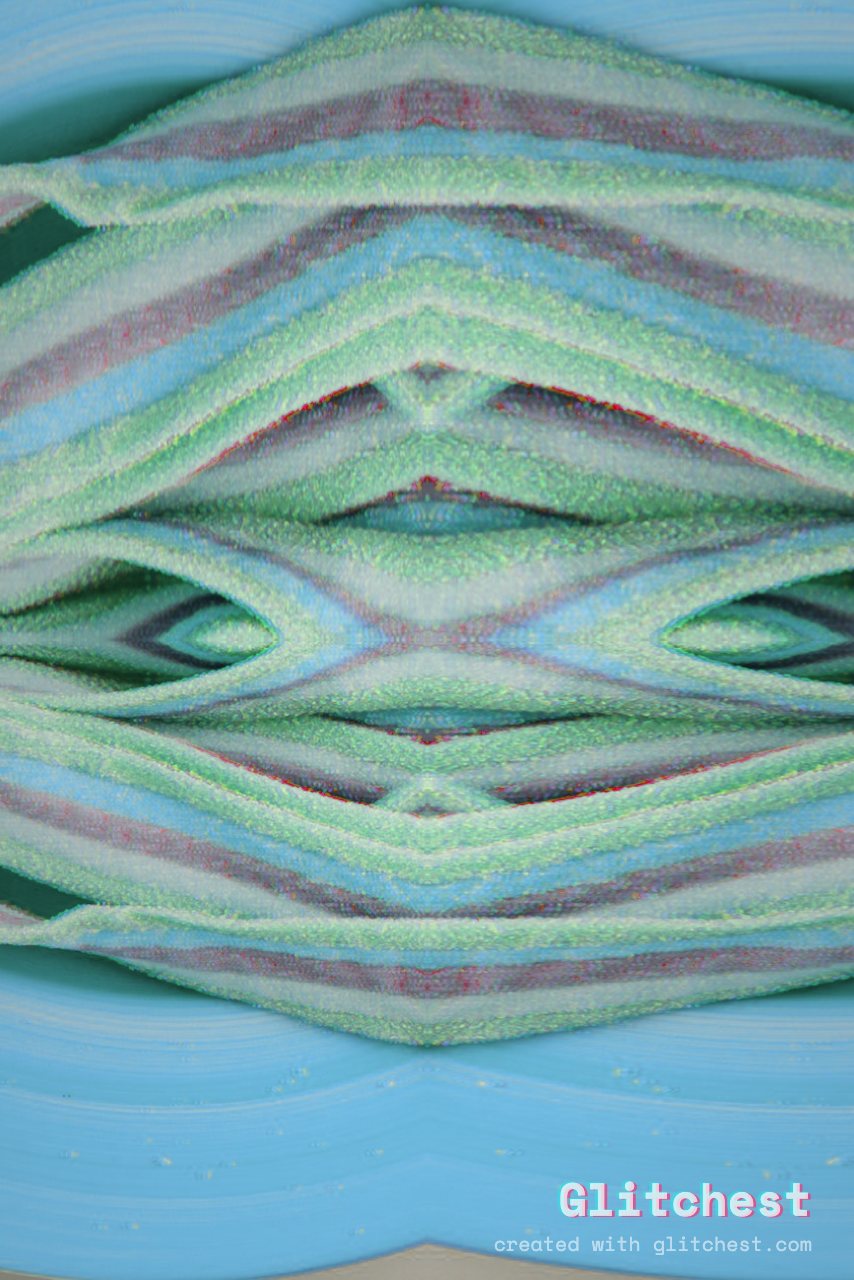
Mirror World glitch effect applied to a photo in Glitchest
Mirror World — folded reflective symmetry Open this look →
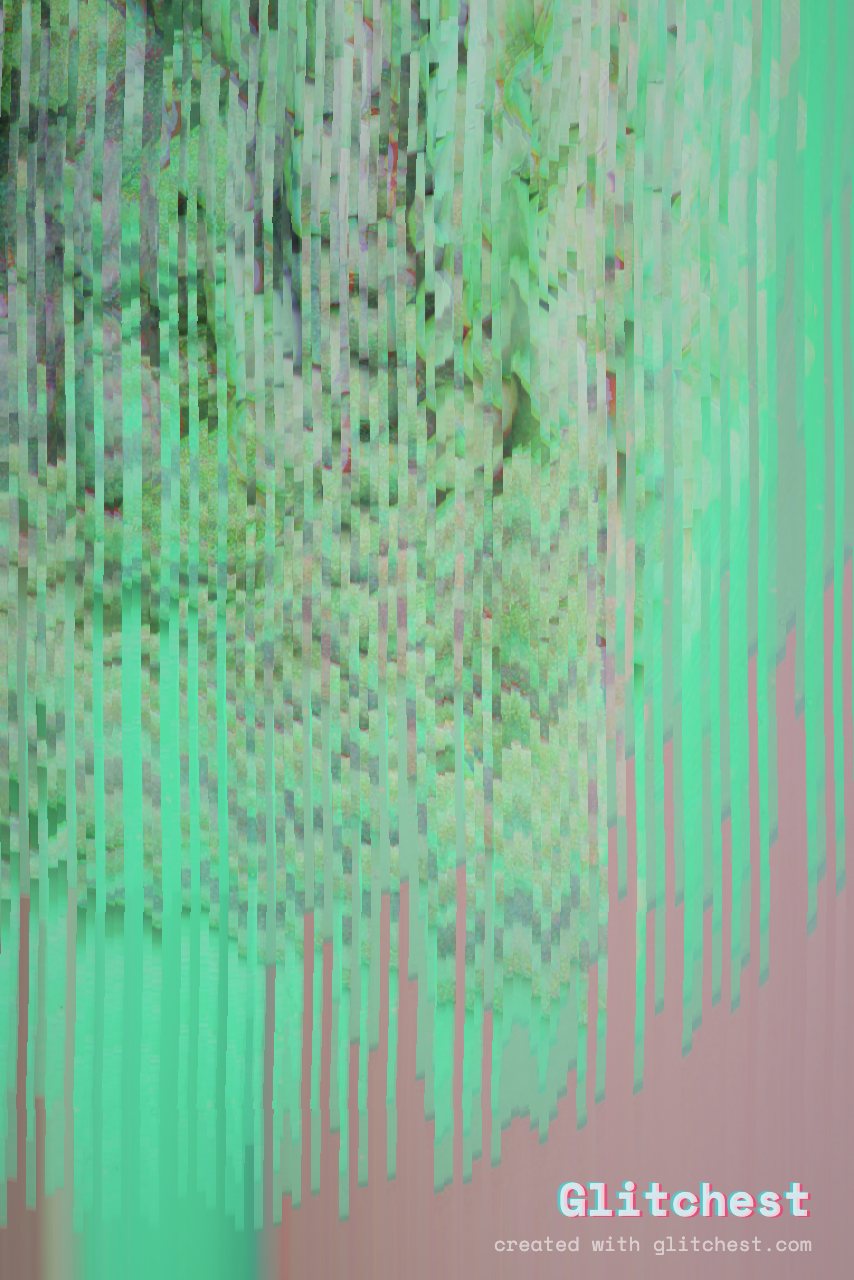
Meltdown glitch effect applied to a photo in Glitchest
Meltdown — the whole frame drips downward Open this look →

Lens, light & motion

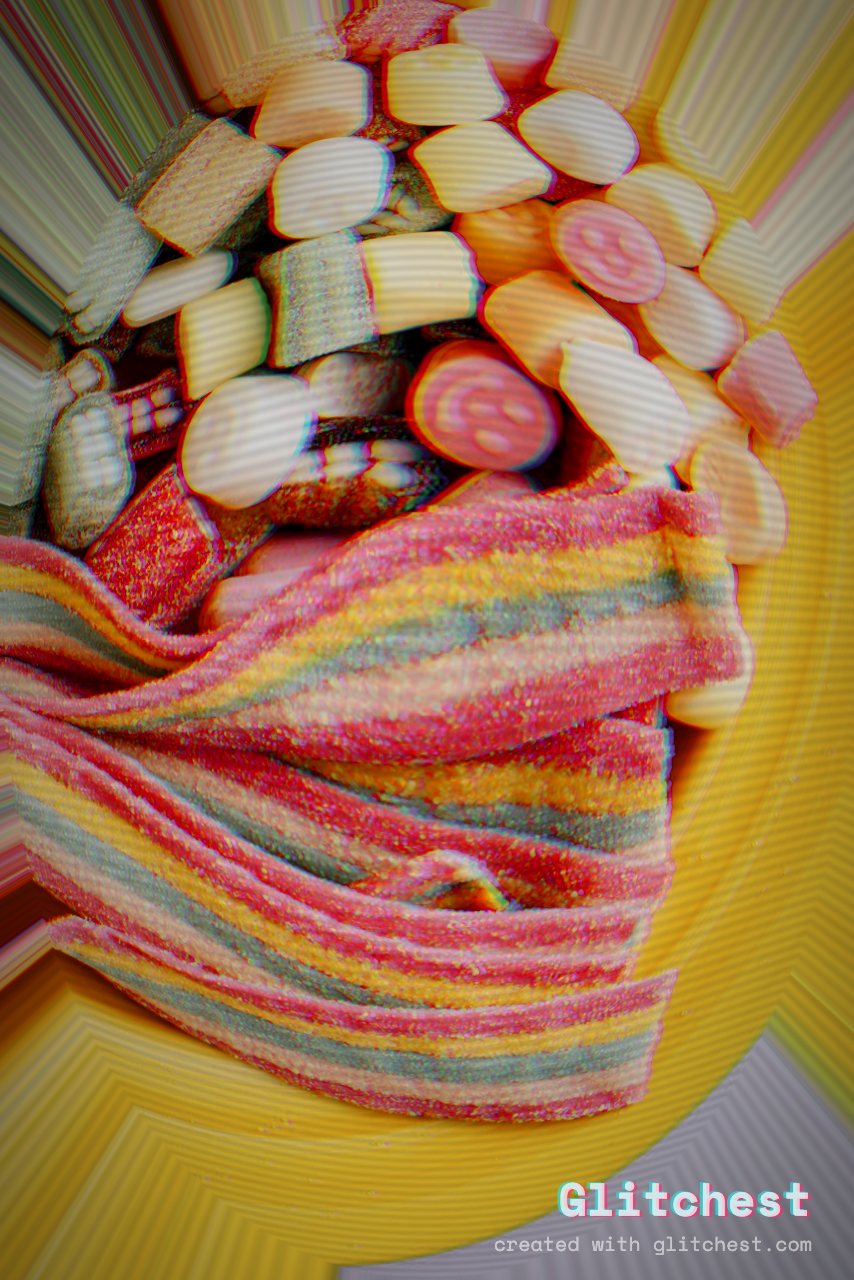
Fisheye Cam glitch effect applied to a photo in Glitchest
Fisheye Cam — bulging wide-angle lens Open this look →
Zoom Punch glitch effect applied to a photo in Glitchest
Zoom Punch — radial motion blast on the beat Open this look →
Shaky Cam glitch effect applied to a photo in Glitchest
Shaky Cam — hand-held camera wiggle Open this look →
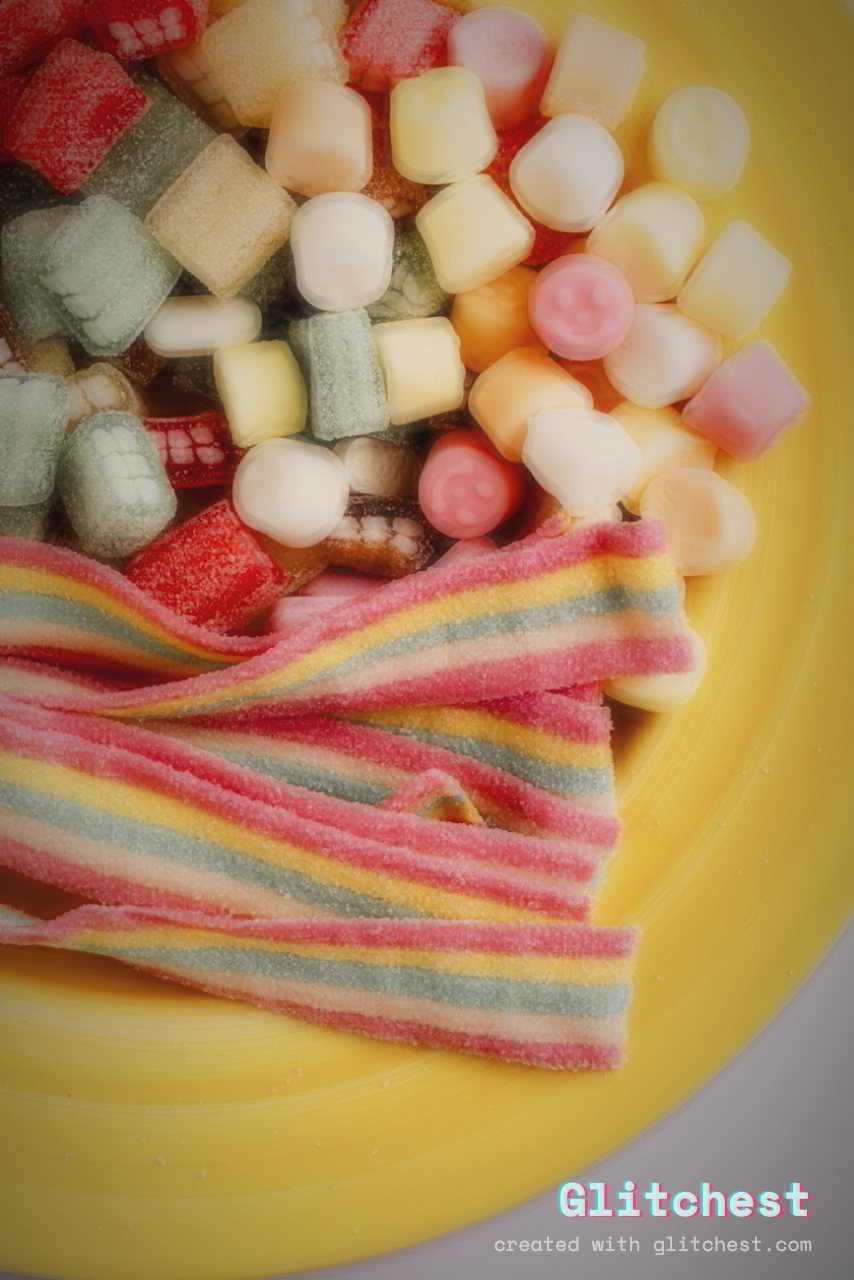
Dream Blur glitch effect applied to a photo in Glitchest
Dream Blur — soft-focus, faded and vignetted Open this look →
Dream Glow glitch effect applied to a photo in Glitchest
Dream Glow — luminous bloom over the highlights Open this look →
Neon Outline glitch effect applied to a photo in Glitchest
Neon Outline — edge-detected glowing line art Open this look →

Make your own look

Presets are just the beginning — each is a preset base plus knobs you can push, and you can stack multiple effect boxes on the timeline to fade and layer looks over a clip. Open the editor, drop in your own video or photo, and start from any preset above. It runs entirely in your browser: no upload, no account.

Base photo by www.kaboompics.com via PexelsPexels License (free to use). Effects added in Glitchest.

Try it now — add this look to your own clip, free and in your browser.

Open the editor →

FAQ

How many effects does Glitchest have?

30 one-click presets built on 46 individual effect knobs, from VHS and datamosh to retro-game, CRT, kaleidoscope, blur, zoom blur and neon outline.

Are these real, unedited outputs?

Yes — every image is the editor's own PNG export of the same source photo with one preset applied, nothing added afterwards.

Are all 30 presets free to use?

Yes — all 30 presets are free, with no account and no paywall on the export.